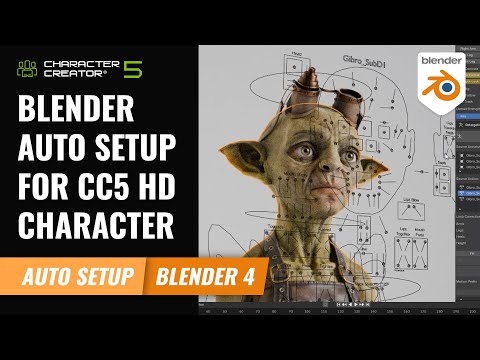
The Blender Auto-Setup pipeline between Character Creator and Blender provides exceptional functionality when transferring your models back and forth for both sculpting and material editing. In this part 1 of our 2-part series on this workflow, we’ll explore the basics of editing bone proportions, mesh sculpting, and material editing in Blender. Learn more Character Creator iClone Blender Pipeline 00:00 Intro 00:08 Basic Import/Export 01:17 Bone Proportions 02:09 Initial Sculpting 03:22 Refined Sculpting 03:53 Teeth Sculpting 04:35 Head & Body Diffuse Painting 05:52 Export & Refinement 07:04 Image Editor Refinement *Note: Assets shown in this tutorial serve only as reference material. Character Creator 4 (CC4) is a full character creation solution for designers to easily generate, import and customize stylized or realistic character assets for use with iClone, Maya, Blender, Unreal Engine, Unity, Daz3D, 3dsMax, or any other 3D tools. CC4 connects industry-leading pipelines with one system for 3D character generation, animation rig, asset management, look-dev rendering, and interactive design. ✦WATCH MORE Learn about Character Creator: Learn about iClone animations: ✦FOLLOW US! Instagram: TikTok: Reallusionofficial (@reallusionofficial) | TikTok Facebook: LinkedIn: Twitter: Magazine: Forum: *Character Creator* TUTORIALS: MANUAL: #reallusion #charactercreation #blender
- 17328Просмотров
- 1 год назадОпубликованоReallusion
Create Custom Characters via Blender Auto Setup | Character Creator 4 Tutorial
Похожее видео



Популярное
Новини