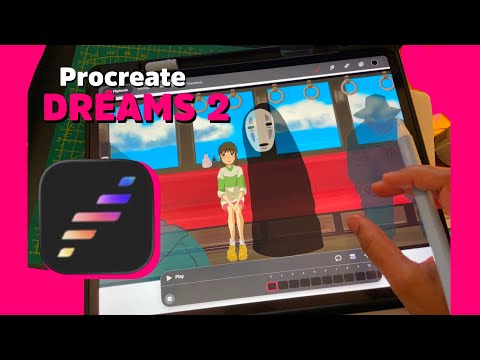
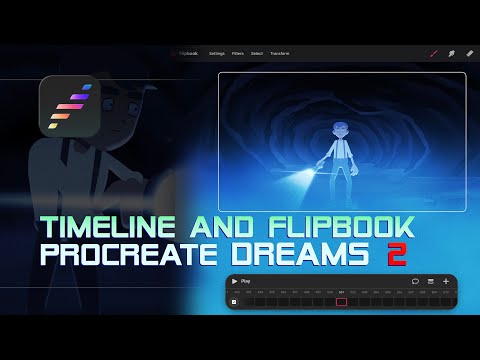
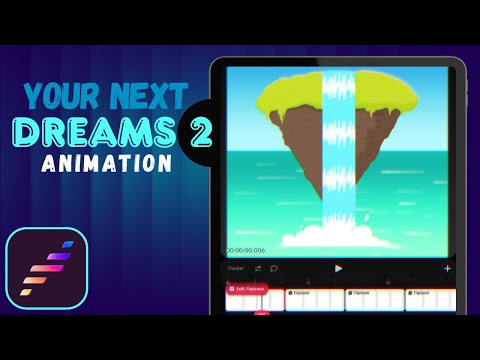
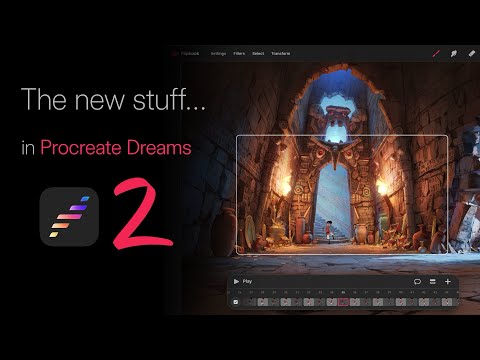
Procreate Dreams 2 just dropped and… they kinda turned it into a real animation studio on iPad. 😳 In this video I’ll show you what actually changed for character animators – not just the shiny UI. We’ll cover: The new Compose / Perform / Keyframe timeline modes (and which one to use when) Flipbook 2.0 with multiple tracks for body / eyes / FX The brand new Lasso + Transform tools inside Flipbook (finally!!) The upgraded animation brush library & improved drawing engine Transparent video & GIF export so your loops look way more professional Important upgrade tips if you’re coming from Dreams 1 (aka how not to break your client project 😬) If you animate frame-by-frame or do character animation in Procreate Dreams, Dreams 2 changes a lot of your workflow—so let’s see if you should update right now or wait until that big project is done. Timestamps 0:00 Procreate Dreams 2 Intro (What This Video Covers) 0:39 Title Sequence & Who This Is For 1:52 New Timeline Modes (Compose, Perform, Keyframe) 2:55 Flipbook 2.0 – Frame by Frame Upgrade 3:20 New Lasso Tool in Flipbook (Selections & Transform) 4:07 Onion Skin & Workflow Improvements 4:31 New Animation Brushes & Drawing Feel 5:49 New Export Options (Transparent Video, GIFs) 6:40 Upgrading from Dreams 1 (Read This First) 7:49 Should You Upgrade to Dreams 2 Now? 8:40 Outro & Christmas Chameleon Project 🎨 Stuff I Mention in the Video App: Procreate Dreams 2 (iPad) For Animators: Frame-by-frame in Flipbook with multiple tracks Lasso + Transform inside Flipbook for faster fixes & breakdowns New animation brushes for characters, FX and backgrounds Transparent HEVC / ProRes video export + GIF export for loops, overlays, stream assets Upgrade Tips from Dreams 1: Dreams 2 is a free update if you already own Procreate Dreams Back up important projects before you open them in Dreams 2 Make sure you have enough iPad storage for the conversion Don’t update right before a deadline… learn from my suffering 😅 🎄 Test Procreate Dreams 2 with a Fun Project I’m making a Christmas Chameleon animation tutorial using my new brush pack – perfect for trying: Flipbook 2 The new brush library Transparent export & GIFs 👉 I’ll add the link here as soon as that video is live: 🎄 Christmas Chameleon Tutorial + Brush Pack (coming soon) 💚 Learn Animation with Me (on iPad) If you want more chaos-filled tutorials on: Procreate & Procreate Dreams Character animation on iPad Frame-by-frame tips, timing, squash & stretch, and all the nerdy animation things …hit 👍 Like if this breakdown helped, Subscribe for more iPad animation chaos, and drop your Procreate Dreams 2 questions in the comments so I can test them in future videos! 🦎 See you in the next one~ Hi, I’m Chamel (chameldoesart) 💚 I make digital art and animation tutorials using iPad, Procreate, and Procreate Dreams. ✨ My Procreate Brush Pack: Chamel Character Essentials (9 brushes I use for all my characters) 🎄 Holiday Launch Price: $6 (regular $8) → 💻 More videos on digital art & animation: 🎨 Apps I use: – Procreate – Procreate Dreams 📱 Find me on Instagram: @chamel_doesart Subscribe if you want more beginner-friendly digital art & animation tutorials ✨ Music courtesy of @UC8i3VOnfhLmxx5O5SqinkYw
- 3549Просмотров
- 2 дня назадОпубликованоChamel Does Art
Procreate Dreams 2 Is Here! New Features You NEED to Know
Похожее видео

Популярное
Новини