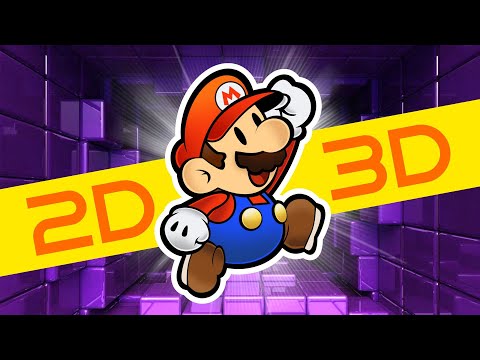
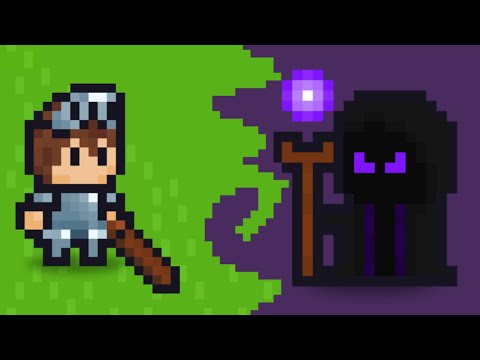
Want to combine 2D art with 3D worlds in Godot? In this video, I’ll show you exactly how to import and use 2D sprites in a 3D environment — step by step! Whether you're making a platformer, stylized RPG, or hybrid indie game, this Godot tutorial will help you mix 2D and 3D like a pro. 👉 In this tutorial, you’ll learn: How to import 2D sprites into a 3D scene How to make 2D sprites face the camera (billboarding effect) Tips for lighting, materials, and shading Common mistakes and how to fix them Perfect for Godot 4 beginners and intermediate devs looking to make something truly unique. 💡 Bonus Tip: Stay till the end for a quick trick to make your sprites look even better in 3D lighting! 00:00 – Intro 00:51 – Importing 2D sprite assets 01:30 – Sharp Pixelated Sprite3D 02:00 – Adding Shadows to Sprites3D 02:46– Making sprites face the camera (Bilboarding Effect!) 03:00 – Final setup & bonus tips
- 1337Просмотров
- 1 месяц назадОпубликованоKiriSoft Games
Make Stunning 2D Characters in a 3D World | Godot 4 Tutorial Step by Step
Похожее видео


Популярное
Новини