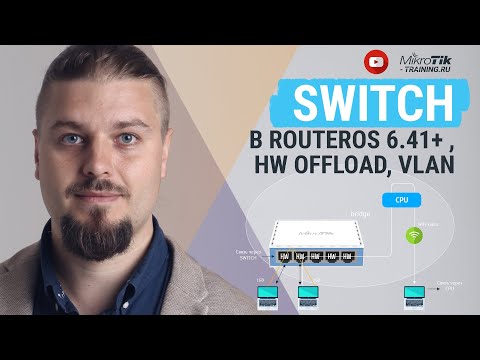
Support the Channel: Be a Patreon: Be a Subscriber: Buy me a Coffee: Credits: Thumbnail: Canva The tutorial covers the following: 1. Create a bridge. 2. Add bridge port members. 3. Make sure bridge VLAN filtering is unchecked. 4. Configure VLAN on switch menu. 5. Add VLAN interfaces and corresponding IP addresses. 6. Test client connectivity on a VLAN switching and inter-VLAN routing scenario. Note: When you add port members on the bridge interface, make sure the hardware offloading remains checked.
- 18412Просмотров
- 4 года назадОпубликованоInquirinity
Configure VLAN on built-in switch chip in MikroTik
Похожее видео










Популярное
Новини