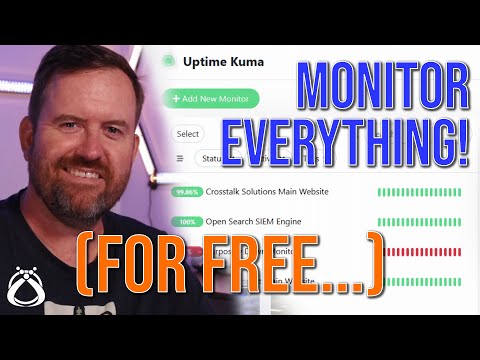
You've spun up lots of self-hosted services in your HomeLab but you haven't set up monitoring and alerting yet. We'll be glad you waited because today well set up Uptime Kuma to do just that. Uptime Kuma is a self-hosted, open source, fancy uptime monitoring and alerting system. It can monitor HTTP, HTTP with keyword, TCP, Ping, and even DNS systems! Video Notes: Support me on Patreon: Sponsor me on GitHub: Subscribe on Twitch: Become a YouTube member: Merch Shop 🛍️: Gear Recommendations: Get Help in Our Discord Community: 2nd channel: @TechnoTimTalks (Affiliate links may be included in this description. I may receive a small commission at no cost to you.) 00:00 - Intro 00:36 - What is Uptime Kuma 01:59 - What are we going to configure today? 02:23 - What are the requirements? 03:09 - Setting up Uptime Kuma 03:43 - Docker Config Explained 06:02 - Starting the Container 06:36 - First Look at Uptime Kuma 06:47 - Settings 07:22 - Setting up 2 Factor Auth (2FA) 07:43 - Backups and Restores 08:22 - Setting up HTTP(s) Monitors 11:18 - HTTP Status Code Explanation 11:30 - Continuing to configure HTTP(s) Monitors 12:52 - Setting Up TCP Monitoring 13:40 - Setting Up Ping Monitoring 13:58 - Setting Up HTTP(s) Keyword Monitoring (scraping) 15:46 - Setting Up DNS Monitoring 16:54 - Configuring the Status Page 18:23 - Configuring Alerting 19:32 - What is a Webhook? 19:52 - Continuing to Configure Alerting 21:21 - Testing Our Webhook and Alerts 22:56 - Testing Recovery Alerts 23:28 - Status Page 24:21 - What do you think of Uptime Kuma 24:35 - Stream Highlight - Media Servers are the Gateways to HomeLabs and Data Hoarding "Midday Sun" is from Harris Heller's album Low-key. #OpenSource #HomeLab #SelfHosted Thank you for watching!
- 163595Просмотров
- 4 года назадОпубликованоTechno Tim
Meet Uptime Kuma, a Fancy Open Source Uptime Monitor for all your HomeLab Monitoring Needs
Похожее видео







Популярное
Новини