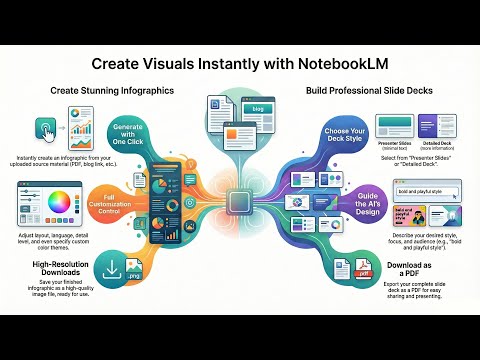
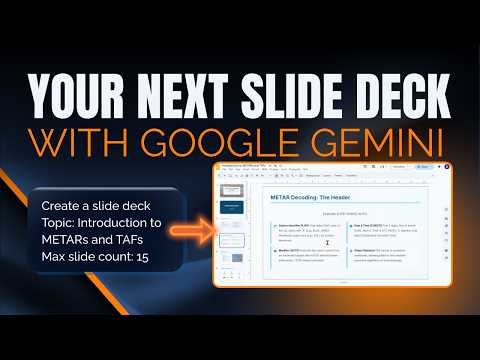
NotebookLM has added a Slide Deck feature that lets you instantly turn that research into a polished presentation. This feature runs in the background and is perfect for creating decks that are either Detailed (great for internal reading) or focused Presenter Slides (great for speaking). In this demo, we go through the exact steps to turn a bunch of complex aviation documents into a simple presentation explaining METARs and TAFs for beginners. The AI Deck Creation Blueprint: - Select Your Sources: Ensure you have at least one source (file, document, or web link) selected in your Notebook. - Access the Studio: Go to the "Studio" panel on the right side and click the "Slide Deck" option. - Customize the Output: Choose your format (Detailed or Presenter Slides), language, length, and include specific instructions or context in the prompt box. - Generate in the Background: Click generate and continue working in NotebookLM. The program doesn't lock up!. - Review and Refine: Once complete, you can download the PDF, share it, or use follow-up prompts to refine specific slides (e.g., "Change slide 5 to use blue and white"). This new feature eliminates the tedious step of manually transferring facts to massive productivity win. ➡️ Go to to work with us: ➡️ Subscribe for more AI workflow secrets! @thoughtsbrewingllc #NotebookLM #PresentationHacks #AISlideDeck #ThoughtsBrewing Timestamps 0:00 - Introduction: NotebookLM Slide Deck Feature 0:18 - Step 1: Open Your Notebook (Sources Required) 0:50 - Step 2: Creating a Slide Deck (Two Options) 2:02 - Step 3: Generate in the Background (The Non-Locking Feature) 2:55 - Step 4: Review Slide Deck 3:55 - How to Edit and Refine the Slides 4:50 - Recap and Final Steps Keywords notebooklm slide deck, notebooklm slides, how to create slide deck notebooklm, notebooklm tutorial, notebook lm google, notebooklm presentation, ai slide deck generator, google ai notebooklm, notebooklm features, create slides with ai, notebooklm step by step, thoughts brewing notebooklm, ai presentations, notebooklm beginners, damien griffin
- 900Просмотров
- 2 недели назадОпубликованоThoughts Brewing, LLC
How to Create Slide Decks in NotebookLM (Step-by-Step Tutorial)
Похожее видео




Популярное
Новини