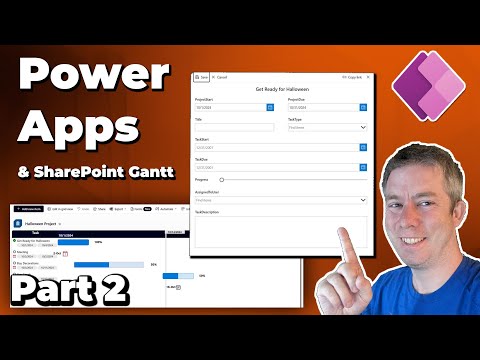
Hey everyone! 👋 In today’s video, we'll be walking through how to implement a JSON provided by Geert de Kooter into a SharePoint list. Along the way, we’ll cover some key tips and changes to watch out for. This is part 1 of a 2-part series, so make sure to stay tuned for video #2, where we’ll be integrating Power Apps! I'm super excited about this one! Don't forget to subscribe and hit the notification bell so you don’t miss next week’s follow-up. 🚀 Here is Geerts link to his github: Chapters 0:00 Introduction 2:15 JSON for Project Gantt Chart 3:39 Setting up SharePoint 7:35 Create a new view dont change All Items 11:20 Fixing the Number field to Percent 12:15 Chaning the JSON to my liking 13:30 Moving the task title to the center 14:44 Changing the Sort Order 15:55 Turning off Comments and Attachments 16:44 Change the theme and colors
- 17590Просмотров
- 1 год назадОпубликованоAndrew Hess
Turning a SharePoint List into a Gantt Chart
Похожее видео









Популярное
Новини