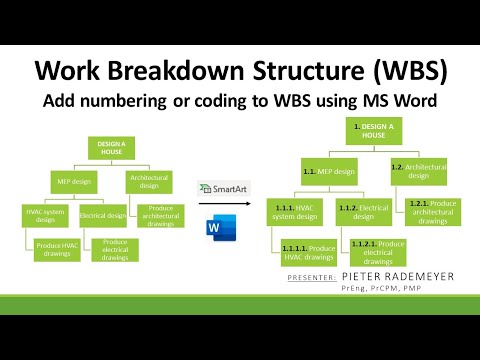
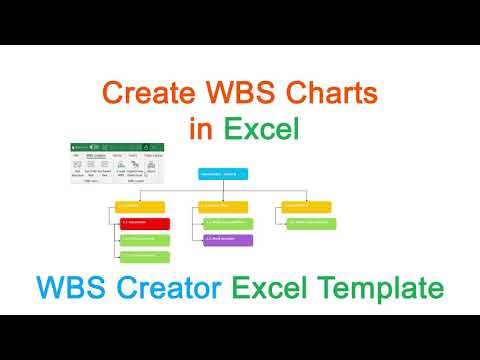
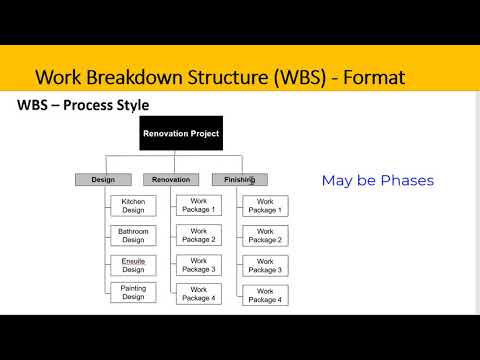
Video 1: How to add numbering (coding) to a WBS organogram using MS Word: Video 2: Different WBS Organogram Formats: Video 3: Difference between a WBS Organogram and WBS Dictionary: Video 4: 19 TIPS for setting-up the perfect project: Video 5: WBS vs. Product Breakdown Structure(PBS) vs. Resource Breakdown Structure(RBS) vs. Organizational Breakdown Structure(OBS): (Visit my Channel for Project Management topics and videos) Different Work Breakdown Structure (WBS) Types: Example 1: Action-Oriented WBS Organogram: Example 2: User Story or Backlog-Oriented WBS Organogram: Example 3: Contract-Oriented WBS Organogram: Example 4: Deliverable-Oriented WBS Organogram: Example 5: Phase-Oriented WBS Organogram: Example 6: Product-Oriented WBS Organogram: Example 7: Program-Oriented WBS Organogram: This video shows you how to use Microsoft Word SmartArt to create a work breakdown structure (WBS) organogram. The same can be done by using Microsoft Excel or PowerPoint. The video also shows how to convert a WBS in tabular format to a WBS in organogram format. The functions use is SmartArt Graphic, hierarchy, organization chart and multilevel list.
- 28906Просмотров
- 1 год назадОпубликованоPieter Rademeyer
Create a WBS Organogram using MS Word Excel or PowerPoint
Похожее видео


Популярное
Новини