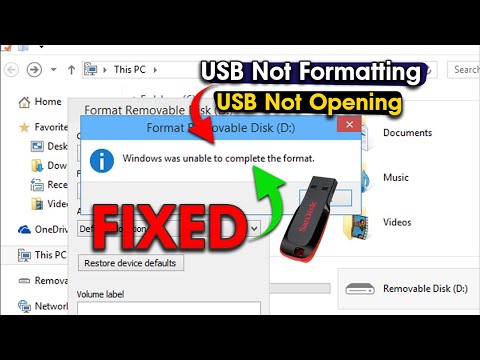
💻 Fix USB Not Detected or Corrupted Using CMD | USB Format via DiskPart (Step-by-Step) In this video, I’ll show you how to repair and format a USB drive using only CMD (Command Prompt) and DiskPart commands on Windows. This method works even if your USB is not showing up in File Explorer, shows errors, or asks to format. ⚠️ Note: In the video, I accidentally typed nfts instead of ntfs. Please make sure to write the correct command: format fs=ntfs quick (if your USB is larger than 32GB). 🛠️ Commands usediskpart list disk select disk X (replace X with your USB disk number) clean create partition primary format fs=fat32 quick (for USB is less than or equal to 32GB) format fs=ntfs quick (for USB is greater than 32GB) assign exit ✅ Fixes the following issues: *USB not recognized *Drive shows unallocated or RAW *Flash drive asks to format *Corrupted USB 📌 Like, Comment, and Subscribe for more practical tech solutions!! 📩 Need Help? Message me anytime at Hackwithchhattish@ for further assistance. I’ll try to reply as soon as possible!! 📷 Follow me on Instagram: 🖥️ GitHub : #USBRepair #DiskPart #CMDUSBFix #USBNotDetected #techtips #hackwith36 #cybersecurity #ethicalhacking #education
- 2261Просмотров
- 4 месяца назадОпубликованоHack With 36
How to Fix Corrupted or Undetectable USB Drive | FIX in 2 Minutes! 🔥| @HackWith36 |#hackwith36
Похожее видео


Популярное
Новини