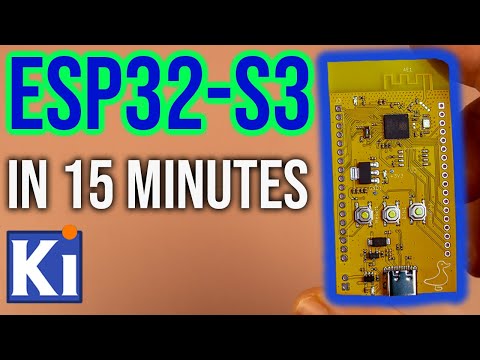
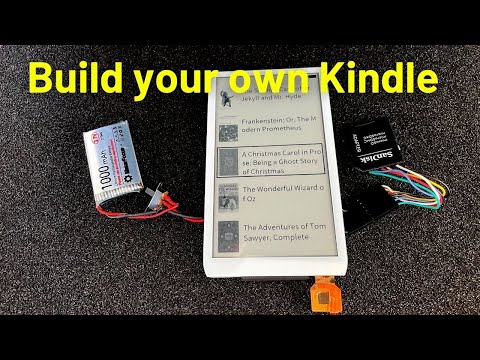
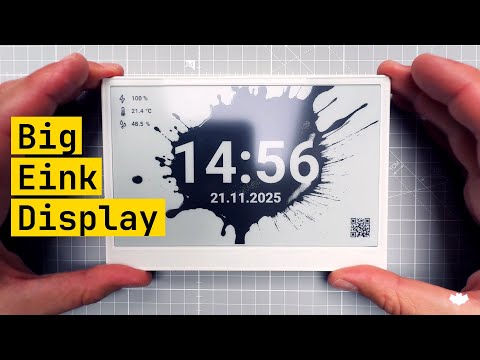
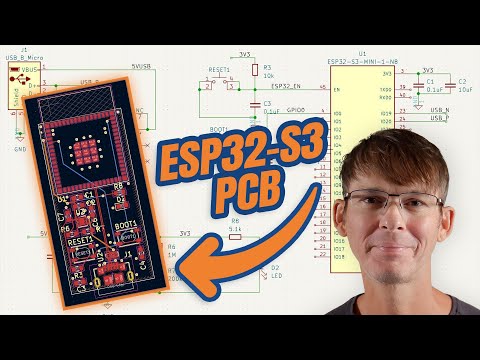
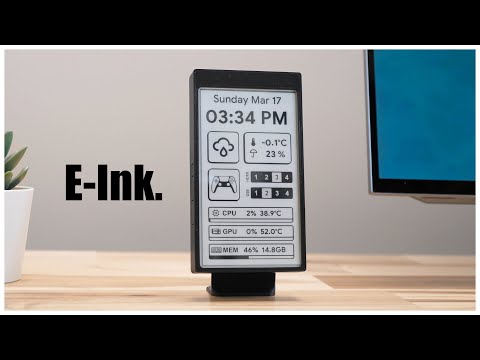
Discover Easy, Affordable, and Reliable PCB manufacturing with JLCPCB! Register to get $70 New customer coupons: In this video, I’ll show you how to design a custom PCB for an eInk display powered by the ESP32-S3 — all from scratch, in just 15 minutes using KiCad! ⚡ We’ll go through the complete development process — from schematic design to PCB layout — and I’ll share practical tips to make your board compact, reliable, and ready for manufacturing. 🧠 What you’ll learn: Setting up a new project in KiCad Creating schematics for the ESP32-S3 and eInk display interface Assigning footprints and managing libraries PCB layout and routing best practices Exporting Gerber files for production 💡 Perfect for hobbyists, makers, and embedded engineers who want to design their own ESP32-based ePaper display projects quickly and efficiently. 📦 Tools & Resources: KiCad (latest version) ESP32-S3 MCU eInk / ePaper display module PCB fabrication service 🎯 Goal: A clean, functional PCB ready for your next IoT or low-power display project! Links: This design is based on this video: Epaper display: Design files: ▬ Contents of this video ▬▬▬▬▬▬▬▬▬▬ 0:00 - Intro & summary 0:27 - Where to get displays 1:26 - Concept design & Prototyping 3:30- Kicad - Schematic design 7:08 - PCB Design 15:00- Parts are arrived!
- 4672Просмотров
- 1 месяц назадОпубликованоMaker's Fun Duck
Designing an eInk Display PCB with ESP32-S3 in 15 Minutes With KiCad
Похожее видео
Популярное
Новини