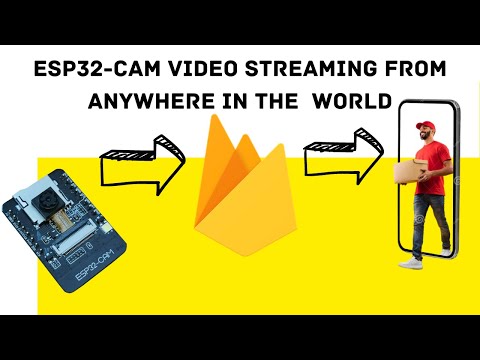
#ESP32CAM #Ngrok #IoTProjects Playlist for errors : Blog : Want to watch your ESP32-CAM live stream on your phone from anywhere? In this video, I’ll show you how to set up Ngrok with ESP32-CAM so you can access your camera outside your home WiFi — step by step! No complicated setups, no coding stress — just a simple guide to get your ESP32-CAM streaming live on your mobile or laptop anywhere in the world 🌍. 🔑 What you’ll learn in this video: • How to stream ESP32-CAM outside your home network • Easy Ngrok setup for ESP32-CAM • How to open your ESP32-CAM on your phone using a public link • Step-by-step demo working in real life This works great if you want to use your ESP32-CAM as a DIY home security camera, baby monitor, or live streaming project. If you find this useful, don’t forget to 👍 Like, 🔔 Subscribe, and 💬 Comment what project you want me to cover next! ⸻ ⏱️ Chapters 0:00 – Intro (ESP32-CAM live outside home demo) 0:25 – ESP32-CAM local stream setup 1:15 – Installing Ngrok (quick guide) 2:10 – Connecting Ngrok with ESP32-CAM 3:15 – Testing the live stream on phone 4:10 – Final thoughts & tips ⸻ 📲 Connect with Me 📩 Contact: @ 📷 Instagram: @ 📘 Facebook: Pigirl Page 💳 Support on PayPal: 🌐 Website: ⸻ ⚡ Keywords included naturally: ESP32-CAM, Ngrok, live stream, phone, anywhere, outside network, home security, baby monitor, tutorial.
- 1507Просмотров
- 2 месяца назадОпубликованоPi-Girl Tech
Watch ESP32-CAM Live on Your Phone from Anywhere | Ngrok Setup
Похожее видео





Популярное
Новини