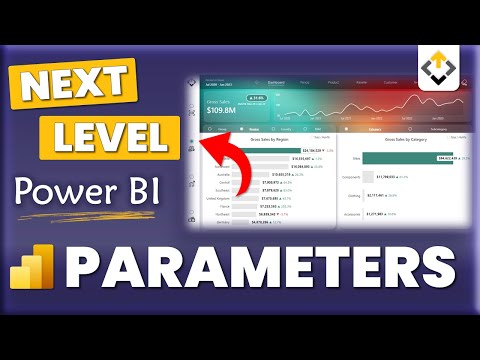
Fields parameters just got even better and now work between slicers as well! In this video I show you how to get the most out of this new feature. You'll see how it can be used to create a dynamic filter legend to take your visualizations to the next level! Enjoy this video and subscribe to always stay updated on my favorite Power BI tricks :) Download file here -------------------------------- 📊 TRAININGS 📊 --------------------------------- Power BI Design 4 Weeks Transformation Program Power BI Essentials Business User Training For Custom Trainings and Consulting email directly support@ --------------------------------- ⏱️ TIMESTAMPS ⏱️ --------------------------------- 00:00 Intro 01:26 Create and use a fields parameter 02:48 Creating dynamic slicers 06:22 Legend Slicer - Start 09:05 Legend Slicer - Adding colors 14:45 Finishing touches 16:21 End --------------------------------- 😍 JOIN 😍 ---------------------------------- Join Subscribe Insta LinkedIn TikTok @ X fb Threads @howtopowerbi Newsletter --------------------------------- 👇 CHECK THIS OUT! 👇 --------------------------------- 💻 My gear 📚 Power BI books MUST READ! 💡 General books I recommend 🎶 Music for my videos 🚀 For growing on YouTube: 🏄 Stuff I use daily * Above are affiliate links, which means at no additional cost to you, if you make a purchase using these links we will receive a small commission. It supports us and helps us to continue making more How to Power BI videos! Thanks for being a part of this channel and all your support! 💪 🙏 #HowToPowerBI #PowerBI #DataTraining #powerbidesktop #powerbitraining #powerbideveloper #DAX
- 184813Просмотров
- 3 года назадОпубликованоHow to Power BI
NEW! Dynamic Slicers with Fields Parameters | ULTIMATE EXAMPLE in Power BI
Похожее видео







Популярное
Новини