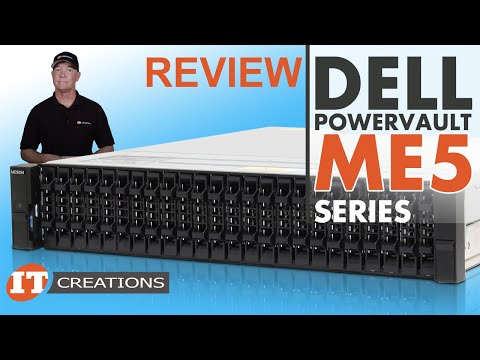
Join STI's Lonnie Laub as he walks you through the steps of configuring a Dell PowerVault ME5 Series Storage device, connecting it to two servers via iSCSI in Hyper-V, and setting it up for failover. This step-by-step guide covers everything from initial setup to volume and failover configuration, giving you a chance to see how it's done before diving in on your own. Key topics include: 00:00 Introduction 00:58 PowerVault ME5 Series Highlights 03:30 Configuration Start 04:05 PowerVault Manager - Basic Setup 07:14 PowerVault Manager - Storage Configuration 08:21 PowerVault Manager - Provisioning 10:53 Server Prep - Roles and Features 11:56 MPIO Configuration 12:34 iSCSI Initiator Setup 14:59 Volume Setup 16:51 Failover Cluster Setup 18:10 iSCSI MCS Failover Policy 19:28 Adding Clusters to Storage Volume Helpful Links: Dell Powervault ME5 Owner’s Manual Restoring Admin Password Restoring Factory Defaults Contact us at to learn more and take your IT infrastructure to the next level.
- 12908Просмотров
- 1 год назадОпубликованоSTI
Dell PowerVault ME5: Configuration for Hyper-V Failover Cluster
Похожее видео







Популярное
Новини