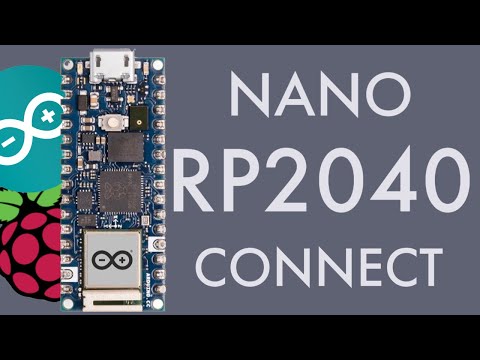
This video is an introduction to programming with the Arduino Nano RP2040 Connect. In this tutorial we walkthrough how to use the onboard RGB LED on the Nano RP2040 Connect. We create simple programs to flash the LED between red then green then blue. We then show you how to fade the LED nicely between the colours to produce a fading rainbow effect. This tutorial is equivalent to a basic 'blinky' program on different platforms and aims to get you started with the Arduino Nano RP2040 Connect if you are a beginner. This tutorial uses the Arduino IDE and it covers how to set up the IDE and install and use the required libraries. By following this short tutorial you will be able to use the onboard RGB LED on your Arduino Nano RP2040 Connect in your own projects in no time! Stay tuned for more advanced tutorials which will cover various functionality such as the WiFi and Bluetooth connectivity. The project source code is available here: Links to programs mentioned in this video: Arduino IDE: Timestamps 00:00 Introduction 00:55 Setting Up Arduino IDE 02:30 How to use the LEDs 04:20 Flashing Between Colours 06:35 Fading Individual Colours 08:13 Fading Between Colours 12:22 Conclusions If this video helped you, please consider leaving a like and subscribing, thank you! To see my other videos on the Raspberry Pi Pico, check out the playlist here: You can find more embedded systems tutorials and projects on my website -- Equipment I use regularly -- The following links are affiliate links where I may make a small percentage on qualifying sales through these links. Use the respective UK or US links listed. Budget Soldering Iron: UK: US: Breadboards: UK: US: Jumper Cables: UK: US: Camera: UK: US: Lens: UK: US: Tripod: UK: US: All videos and tutorials on this channel and mentioned websites are for educational purposes only.
- 10872Просмотров
- 4 года назадОпубликованоLearn Embedded Systems
How To Use the RGB LED on the Arduino Nano RP2040 Connect - Tutorial 1: Rainbow LED Effect
Похожее видео











Популярное
Новини