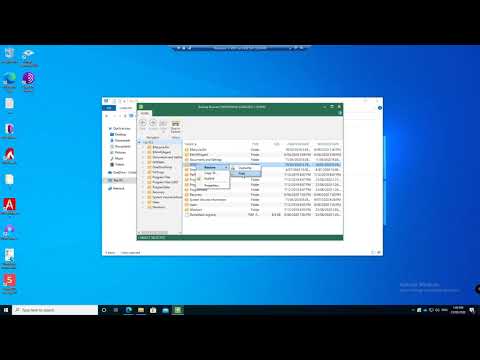
Everybody needs a backup. I'll show you three different ways to back up and recover Windows 10 & 11 for free. Make sure you're protected against ransomware, theft, hardware failure, or data corruption. All computers die eventually, so making sure you have a good backup is critical. In this video I'll show you how to use the built-in File History tool, how to create a full system image using the older Windows 7 backup tool, and I'll share my favourite free backup tool... straight from the datacentre: Veeam Agent for Windows. ➡️ Get the free Veeam Agent for Windows: ➡️ Download the Windows 11 Install Media here: (You'll need this recover a computer that won't boot, if you're not using Veeam) ➡️ Download the Windows 10 Install Media here: (You'll need this recover a computer that won't boot, if you're not using Veeam) 💬 Follow Me The Pro Tech Show provides tech, tips, and advice for IT Pros and decision-makers, but sometimes I do videos like this for everyone else as well. 🙂 Video timestamps: 0:00 - Introduction and Tips 2:19 - File History 4:51 - Back up and Restore (Windows 7) 10:51 - Veeam #Windows10 #Backup
- 101892Просмотров
- 4 года назадОпубликованоPro Tech Show
How To Back Up Windows 10 / 11 for Free
Похожее видео










Популярное
Новини