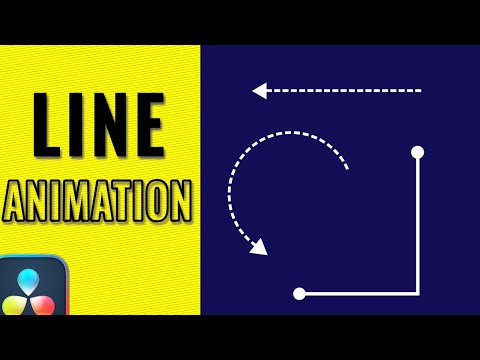
Learn how to create a simple yet elegant line path animation in DaVinci Resolve using just a few nodes in the Fusion page. In this step-by-step motion graphics tutorial, you'll discover how to animate a line that follows a path, add a trailing dot, and enhance the final look with glow and shadow effects — all without any plugins! 🎯 Perfect for beginners, this tutorial walks you through essential nodes like SB Spline, S Render, and more, while also teaching you how to control animation with keyframes, offsets, and styling tips to make your design stand out. 🔧 In This Tutorial, You’ll Learn: How to create a clean line path animation Using SB Spline and S Render nodes in Fusion Preventing automatic keyframing Animating line length and offset for camera-follow effect Adding a glowing or shadowed dot at the line tip Styling tips for background and color Creating professional motion graphics with just a few nodes 🛠️ Tools Used: DaVinci Resolve (Free) Fusion Page 🎬 Whether you're creating animated infographics, kinetic typography, UI mockups, or stylish transitions, this line animation technique is a great addition to your motion design toolkit! 👍 Don’t forget to Like, Subscribe, and Turn on Notifications for more DaVinci Resolve Fusion tutorials. 💬 Got questions? Drop them in the comments! Or show your support with Super Thanks! #line #motiongraphics #davinciresolve
- 10363Просмотров
- 4 недели назадОпубликованоVideoEditingCentral
Create Elegant Line Path Animations in DaVinci Resolve | Easy Fusion Tutorial
Похожее видео






Популярное
Новини