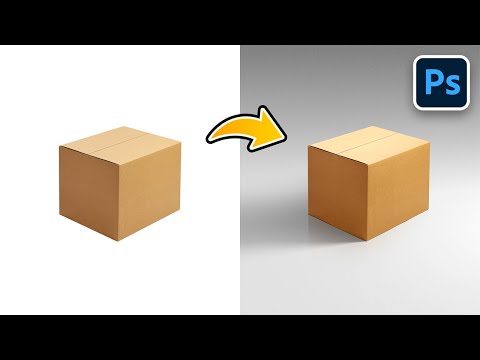
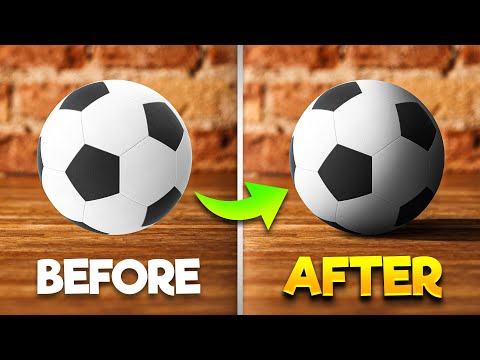
Discover how to easily create natural shadows using the Layer Technique in Photoshop! In this tutorial, we will use the concept of shadow hardness and intensity to paint a shadow layer by layer. Using Opacity and Blur Gallery filter as powerful tools in our arsenal we will make sure that the shadow maintains a smooth and natural gradient. This lesson will cover the concept of how a shadow is constructed, followed by using fundamental tools like Layers, Opacity, Field Blur, and Tilt Shift, to simulate a real shadow. We will also learn a unique trick where we use grain to make the shadow more realistic. I hope you enjoy this video. Thank you so much for watching :) ► Support the Channel & Gain Premium Access: ► Timestamps: 00:00 Understanding the Layers of Shadows 01:48 Mask and Separate 02:47 Increase the Headroom! 03:11 Layering the Shadows #1 06:11 Layering the Shadows #2 08:11 Layering the Shadows #3 08:53 Layering the Shadows #4 09:50 The Most Important Step! 11:10 Finishing Touches (Optional) 12:33 Trick to Make it Natural 13:47 Recap 14:18 A Quick Improvement! ► Recommended Software & Gear: ✅ My Graphic Tablet: ✅ Recommended Budget Tablet: ✅ Try Photoshop for Free: ✅ Artificial Intelligence Photo Editor: ✅ Unlimited Photoshop Actions, Plugins, and Stock Photos: ✅ Best 300+ High-Quality 50MP Skies for Sky Replacement: ✅ Primary Microphone: ✅ Second Microphone: ✅ Audio Interface: ✅ Filmed with: ✅ Lens: ✅ Music: ✅ The App I Use for YouTube Growth: ► PiXimperfect Merch Store: ► PiXimperfect Actions: ► Downloads: 1. Starting PSD (Masked): 2. Finished PSD: (Only for our Patreon Family) ► Share: ► Let's Connect: Instagram: Facebook: Twitter:
- 302110Просмотров
- 3 года назадОпубликованоPiXimperfect
How to Create Shadows from Scratch in Photoshop!
Похожее видео




Популярное
Новини