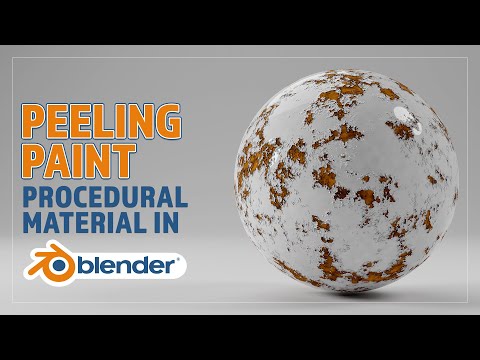
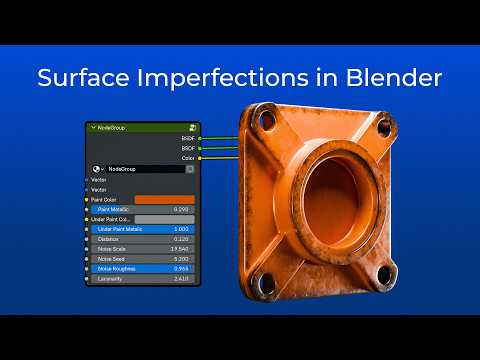
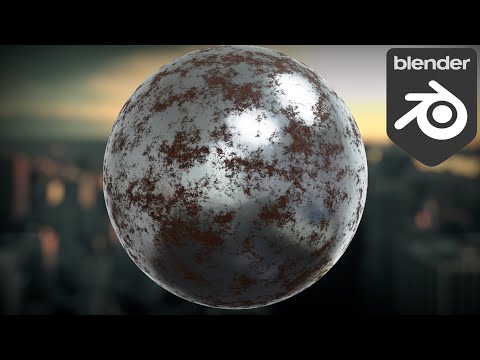
Learn how to create a realistic procedural peeling paint material in Blender with this easy-to-follow tutorial. Perfect for adding weathered and aged details to your 3D models. No external textures needed, just Blender! ⚠️ Note for Blender 4.5 and newer users: Blender 4.5 changed the default Distance value in the Bump node from 1.0 to , which affects how the bump effect looks in this tutorial. If you're using Blender 4.5 or later and the result looks different, you may need to manually set the Distance back to 1.0 to match what you see in the video. 🎥 Watch this short update explaining the change and how to fix it: 👉 Links: Blender: Rusty Metal Tutorial: Enjoy, and don't forget to subscribe.
- 7444Просмотров
- 1 год назадОпубликованоKylsonn Batista
Easy Procedural Peeling Paint Material in Blender - Step-by-Step Tutorial
Похожее видео


Популярное
Новини