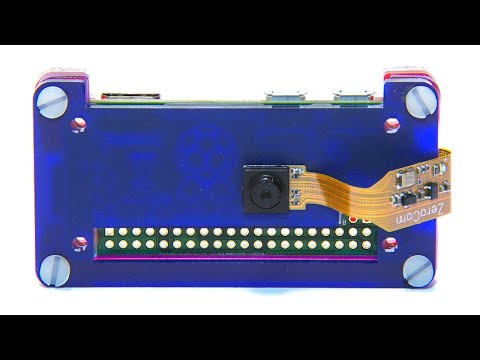
In this video, I'll show you step by step how to build your own WiFi security camera, which is accessible over your local network or over the internet, using a Raspberry Pi Zero W and the Pi Camera. We'll be using the MotionEyeOS operating system on the Raspberry Pi, which is mobile and tablet friendly. You can also set up motion detection, which triggers email notifications or take still images and timelapse movies. For the full step by step written guide with all of the links to the software and templates, visit the guide on my blog - Software Links: MoitionEyeOS - Balena Etcher - What You Need For This Project: Raspberry Pi Zero W - Raspberry Pi Zero Case & Ribbon Cable – Raspberry Pi Camera - Micro SD Card (Min 8GB) - Power Supply - Optional Alternative (You'll Still Need The Camera): Pi Zero W Kit (Includes Pi Zero W, Case, SD Card, Power Supply & Camera Ribbon Cable) - If you've got any suggestions for Raspberry Pi, Arduino or Electronics projects or tutorials, let me know in the comments section.
- 330173Просмотров
- 5 лет назадОпубликованоMichael Klements
How To Make A Raspberry Pi Zero WiFi Security Camera, Also Accessible Over The Internet
Похожее видео






Популярное
Новини