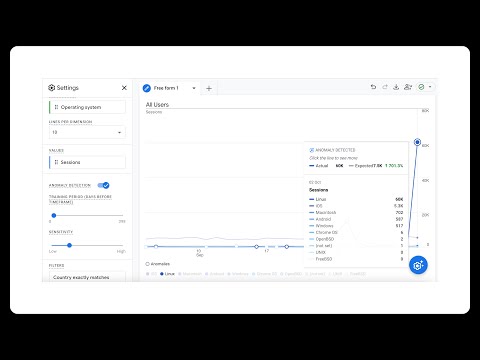
Hey everyone! Quick video here because something broke in GA4 on a Friday before a long weekend (of course 🙄). If you're seeing a sudden spike in organic search traffic in GA4 but Search Console shows nothing - and that traffic has a suspiciously low engagement rate - it's spam traffic. I've been digging into this issue and found it's coming from a specific browser version: Chrome on Windows 10. In this video, I'll show you: ✓ How to identify this spam traffic in your GA4 reports ✓ How to create segments to separate real traffic from spam ✓ How to filter it out using browser version (at least temporarily) ✓ How to create an exclusion audience for ongoing filtering ✓ Why this solution is limited (and what we're stuck with for now) Fair warning: This is a quick solution for a breaking issue. The problem: Browser version isn't available as a custom dimension outside of explorations in GA4 (or in Looker Studio), so this workaround is exploration-based for now. Not perfect, but it's what we've got to work with at the moment. Referenced article: Questions? Drop them in the comments - I'll be monitoring this closely and will update if I find better solutions or if Google addresses this. Timestamps: 0:00 - What's happening with GA4 spam traffic 0:45 - Real client example showing the spike 1:30 - How to create segments to filter spam 3:15 - Creating an exclusion audience 4:30 - Limitations and what to expect #GA4 #GoogleAnalytics #SpamTraffic #DataQuality
- 281Просмотров
- 2 месяца назадОпубликованоAnalytics Playbook: Learn Marketing Analytics
How to Filter GA4 Spam Traffic (Started Oct 7 2025 - Heres the Fix)
Похожее видео







Популярное
Новини