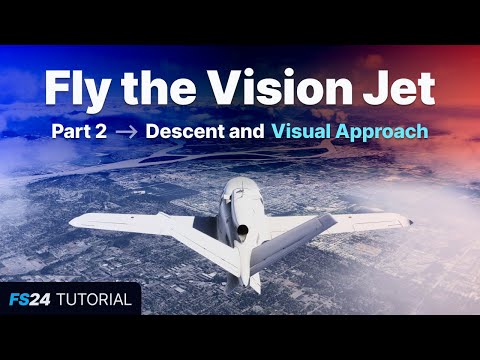
In this series, you'll learn how fly the Garmin G3000-equipped SF50 Cirrus Vision Jet in Career Mode in Microsoft Flight Simulator 2024. This is part 1, which covers the startup, takeoff, climb, and cruise phases of our flight. === Chapters === 00:00 Introduction 00:36 Walkaround 01:26 Seating configurations 01:57 Startup 03:06 Setting flaps and trim for takeoff 03:29 Crew Alert System (CAS) messages 04:14 Initialization for weight and balance 06:35 PFD and MFD options (maps and wind indicator) 07:45 Map range/zoom 08:09 Taxiing 09:23 Setting the autopilot for takeoff (Autothrottle and TOGA) 10:02 Autopilot master button (configure a shortcut if on Xbox) 11:37 Set the selected/target altitude 12:20 Setting speed bugs for rotation and climb 13:01 Probe heat and lineup 13:21 Takeoff and engaging autopilot 14:36 Climbing with FLC (flight level change) 15:47 Setting the altimeter so our altitude is accurate 16:43 Using HDG and NAV modes to get on our planned course 19:52 Hiding visual assistances (blue guidance gates) 20:39 Handling icing conditions 21:25 Conclusion === Links === Kip's Twitch: Kip's Discord: Kip's Gear: === Disclaimer === This video is for entertainment purposes only. #msfs #msfs2024 #microsoftflightsimulator #flightsimulator
- 77540Просмотров
- 1 год назадОпубликованоKip on the Ground
FS24: Fly the Vision Jet - Part 1: Cold and dark startup, Takeoff, Climb, and Cruise
Похожее видео



Популярное
Новини