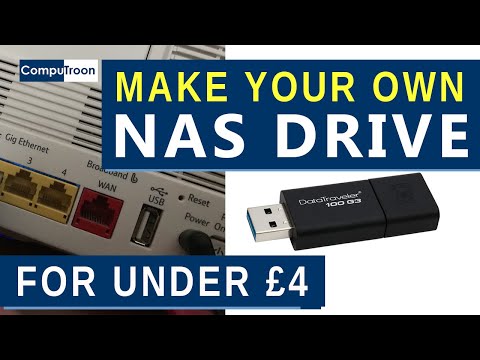
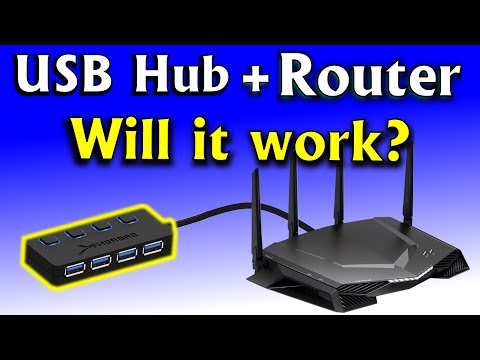
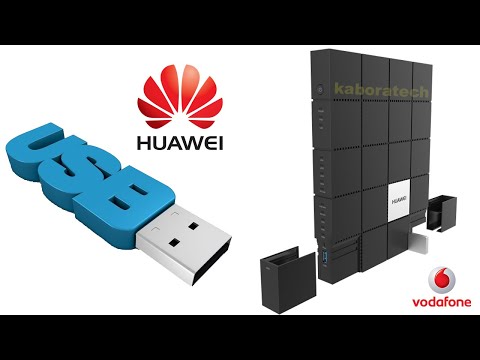
Use your D-Link router USB port to connect an external drive for backup and as a network share Recommended USB Key: Link to the router on Amazon: Amazon tech deals: Amazon links are affiliate links. I gain a small percentage at no cost to you if you make a purchase. This will help my channel. Thank you. ✅ Subscribe to help us grow: How to configure your router as a Media Server: How to configure backup for Windows: How to configure Time Machine for macOS: How to secure your home wifi network router step by step with demonstration on D-Link Linksys router: Gaming router D Link AC2600 Dir-2640 - 2660 - MU-MIMO Exo mesh smart router review: How to set up parental controls on your D-Link router step by step: 00:00 Intro 00:38 Connect the external storage to the USB port of your router 00:51 Enable SMB sharing in the router's admin page 01:51 Create a user with permissions to the share 03:19 Access the share and map a drive letter to it 05:14 Choose the drive in Backup Follow me on My websites Facebook: Twitter: Instagram: Use the instructions in this video at your own risk. We are not responsible for any data loss or other damages that may occur
- 310626Просмотров
- 5 лет назадОпубликованоKnowledge Sharing Tech
How to connect an external drive to the USB port of your router (Easy step by step guide)
Похожее видео






Популярное
Новини