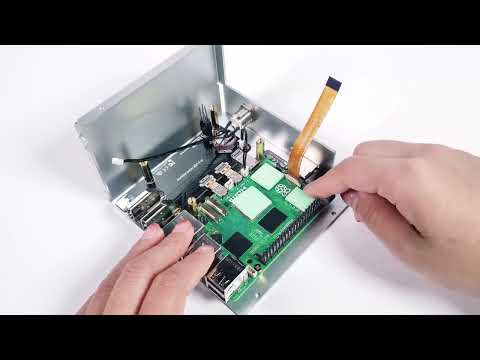
In this step-by-step guide, we show you how to easily boot your Raspberry Pi 5 from an NVMe SSD to supercharge your device's performance! 🖥️✨ From mounting your NVMe hat to flashing bootloader configurations, we walk you through every step to help you achieve faster speeds and better performance on your Raspberry Pi 5. 🔧 What you'll learn: How to mount the NVMe hat on the Raspberry Pi 5 🛠️ Install Raspberry Pi OS on your NVMe drive for faster boot times 🚀 Flash the bootloader for direct booting from SSD 📲 Enjoy faster performance compared to microSD and USB drives ⚡ 🔥 Watch now and optimize your Raspberry Pi 5 for maximum performance with an NVMe SSD! 00:00 - Step 1: Assembling the NVMe HAT 00:26 - Step 2: Installing RPi-Imager and writing the image to the SD card 00:55 - Step 3: Booting the Raspberry Pi from the SD card 01:16 - Step 3.a: Copying the SD card to the NVMe drive 01:33 - Step 4: Writing an SD card to change the bootloader from SD to NVMe/USB 02:00 - Step 5: Changing the bootloader with the SD card image 02:31 - Step 6: Booting the Raspberry Pi from the NVMe drive #RaspberryPi5 #NVMe #SSDboot #RaspberryPiPerformance #TechTutorial #RaspberryPi #Pi5 #RaspberryPiOS #RaspberryPiProjects #BootFromNVMe
- 586Просмотров
- 4 недели назадОпубликованоKunusoft
How to Boot Raspberry Pi 5 from NVMe Drive: Boost Performance with SSD! 🚀 #raspberrypi #nvme #linux
Похожее видео


Популярное
Новини