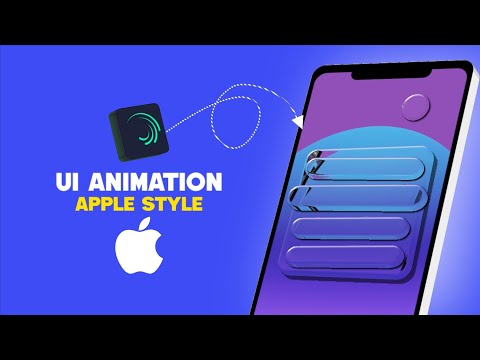
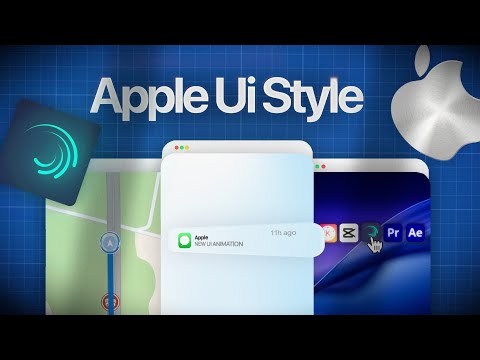
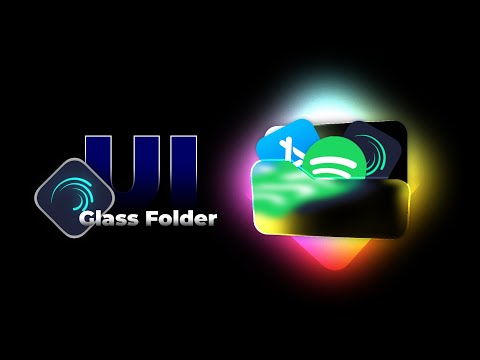
In this tutorial, you’re going to learn how to create Apple Style UI Animation using Alight Motion on mobile! 📱 This smooth iOS transition effect is inspired by Apple’s clean design and is perfect for Reels, Shorts, and YouTube edits. We’ll cover: ✅ How to use null objects for clean motion control ✅ Smooth opacity transitions ✅ Professional motion blur and Gaussian blur usage ✅ Creating seamless slide-in UI effects ✅ Using keyframes, easy easing, and graph editor for smooth animation ✅ How to layer Apple UI elements like control center, iOS popups, widgets, and more ✅ Bonus tip for adding parallax effect to make it look like a real iPhone ad! Whether you’re using CapCut, Alight Motion, or other mobile editing apps, this tutorial will help you make a viral Apple-style animation with a clean and minimal look. ~~~~~~~~~~~~~~~~~~~~~~~~• 🎧 Music credits : Track: Irokz - Goodbye My Love Music provided by NoCopyrightSounds. Watch more NCS on YouTube: Free Download / Stream: ~~~~~~~~~~~~~~~~~~~~~~~~• Ignore Tags : #AppleUI #iOSAnimation #AlightMotionTutorial #MotionGraphics #MobileEditing #iOSStyleEdit #CapCut #ReelsEdit #UIAnimation #AppleStyle #SmoothTransitions #KeyframeEditing ~~~~~~~~~~~~~~~~~~~~~~~~• Thanks for watching! 🙏 Please drop a 1 Like 👍 ~ your 1 Like motivates me to create more value bombs.🎗️✨
- 28461Просмотров
- 5 месяцев назадОпубликованоHancybox
Apple UI Style Animation Tutorial in Alight Motion (Null & Shapes)
Похожее видео



Популярное
Новини