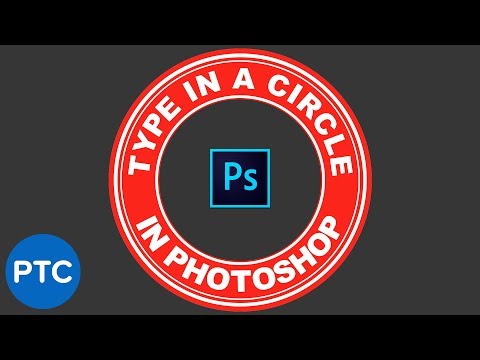
Full Course at: Free Exercise Files: Free Cheatsheet: Hi there, in this video, trying to be clever here. It's text following the path. We even do this where it kind of goes around the top and around the bottom. Let's learn how to do that now in Photoshop. To get started we are going to do the squiggly line first, then we'll do that kind of bag shape. So the technique is called Type on a Path, so we need a path to start with. There's a few ways of making it, we're going to use the Pen Tool. If you click and hold down the Pen Tool for a while. We're going to use the Freeform Pen Tool. If you are a Jedi master with the Pen Tool or the Curvature Pen Tool you can go and use those, but if you're a mere mortal grab the 'Freeform', it is just as it sounds, you can just draw things. How to get text to follow a line or circle - Photoshop CC Essentials Tutorial by Bring Your Own Laptop, get your free downloadable exercise files and printable PDF Follow me on Instagram: Follow me on TikTok: Follow me on Twitter: Follow us on Facebook:
- 17751Просмотров
- 7 лет назадОпубликованоBring Your Own Laptop
How to get text to follow a line or circle - Photoshop CC Essentials [16/86]
Похожее видео



Популярное
Новини