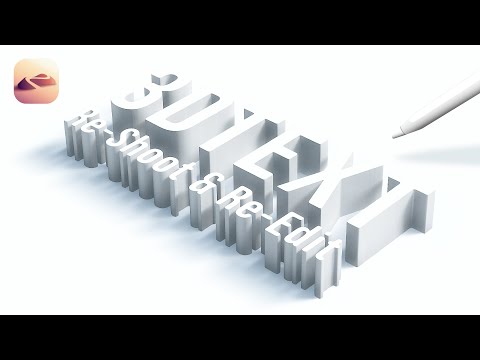
In this video, I’ll show you a quick and easy way to create 3D text in Nomad Sculpt with a little help from the PixelLab app! This step-by-step tutorial is perfect for beginners and anyone looking to add cool 3D text to their projects. Here's what you’ll learn: 1. How to design and export text from PixelLab with a transparent or black background. 2. Importing the text image into Nomad Sculpt and applying it using the SetMask tool. 3. Extruding and sculpting the text into a true 3D Square (or you can apply it on any 3D shape). 4. Customizing the text with materials and colors. Whether you’re creating for a 3D art project or just exploring Nomad Sculpt, this guide will help you make awesome 3D text with ease! Don’t forget to like, subscribe, and hit the bell for more 3D modeling tutorials! Tags.... Nomad Sculpt PixelLab 3D text tutorial 3D modeling Nomad Sculpt tutorial PixelLab text 3D text design 3D text in Nomad Sculpt 3D art tutorial Digital sculpting 3D modeling for beginners How to make 3D text 3D text effects Nomad Sculpt for beginners PixelLab tutorial
- 528Просмотров
- 1 год назадОпубликованоEpicube-X
3D Text 2024 • Very Easy • Nomad Sculpt 1.9
Похожее видео

Популярное
Новини