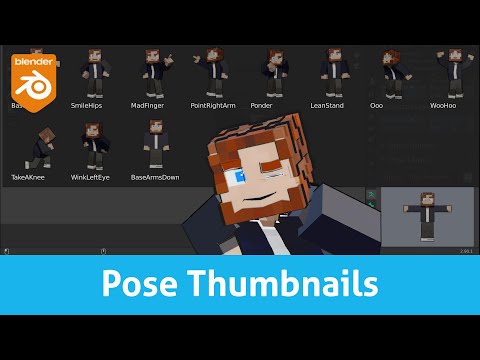
💬 In this video we'll talk about some of the key thing about using the integrated pose library in blender and the thumbnails addon that you can download for free from here: 🔴 In a couple of weeks the thumbnails addon will come bundled with blender so you'll just need to activate it. In the mean time: ttps:// You can get these gorgeous rigs here: Both Characters: (both) Jane: Jim: 🎁 Support my channel by buying my products: GUMROAD: 🟢 get 10% discount with code "lollypopman" in all my products! 🟢 🎁 Onion Skin Tools: 🎁 Animation Layers: 🎁 X-Pose Picker: 🟢 get 20% discount with code: "lollypopman" 🟢 🎁 CLOTHES IN MOTION : 🟢 get 25% Discount with code: "lollypopman" 🟢 🔔 Subscribe for more FREE ANIMATION resources, courses, news, reviews and funny moments: ⌚ Timestamps: 00:00 - Prologue 01:41 - Chapter I: Using the pose library addon 04:15 - Chapter II: Using the pose library Thumbnails addon 08:55 - Chapter III: Linking a pose library to an other character 10:18 - Epilogue 🎹 Music: Original tunes by Beorn Leonard Elevator Music by Corporate Music 👕 Get some cool tshirts, hoodies and mugs: STORE: 🌐 Follow me on: TWITTER: INSTA: BLOG: WORK: #lollypopman #blender #b3d
- 24815Просмотров
- 5 лет назадОпубликовано#LollypopMan
Creating a Pose Library and using the Pose Library Thumbnails Addon in Blender 2.91
Похожее видео




Популярное
Новини