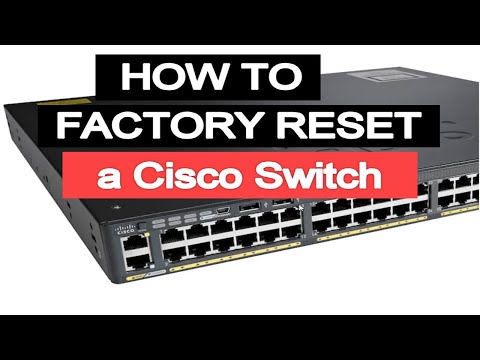
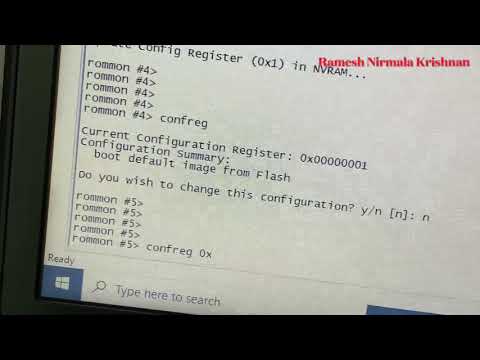
Reset Cisco ASA to factory Default 1) Connect Console cable with Putty 2) Power cycle the firewall 3) While booting press ESC to interrupt the boot and enter ROM mode. 4) Enter the confreg command: Confreg 5) When asked if you want to change the Configuration Register setting answer no 6) Change the Configuration Register to 0x41: confreg 0x41 7) Reboot the appliance: boot 8) Enter Privilege mode: enable 9) Erase the startup config: write erase 10) Enter Configuration Mode : configure terminal 11) Reset the Configuration Register to the Default: config-register 0x01 12) Save Settings: write 13) Reboot the appliance: reload
- 19913Просмотров
- 7 лет назадОпубликованоDinesh Badouraly
Reset Cisco ASA to Factory Default
Похожее видео









Популярное
Новини