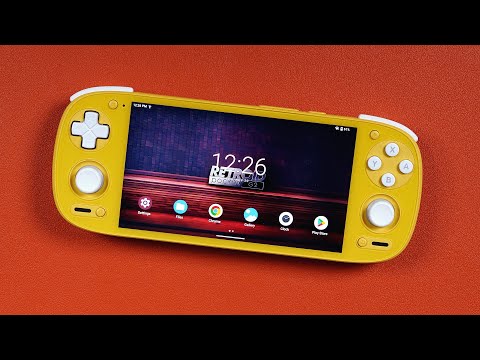
In this video, I show you how to setup an Android handheld in under an hour, completely. Focused on the Retroid Pocket 5/Mini/Flip 2, but can work with any handheld! This guide also works for other handhelds like the Odin 2 Portal, Odin 2 Mini Odin 2, Anbernic devices and so on. Buy the Retroid Pocket 5 here: Buy the Retroid Pocket Mini here: Buy the Retroid Pocket Flip 2 here: 512GB SD Card - 1TB SD Card - SD Card Reader - Roms & BIOS - Recommended BIOS files - Lime3DS Guide - PPSSPP Guide - NetherSX2 Guide - Dolphin Guide - Daijisho Guide - ----------------------------------------------------------- Support Me: Recommended Handhelds/Accessories/Stores: Linktree - Website - Compare Handhelds - Patreon - Ko-Fi - Subscribe - Discord - Merch - Music - , Background - Free Stock Footage by Note: Some of my links may be affiliate links, which could earn me a small commission if you purchase through it, at no extra cost to you. ----------------------------------------------------------- Disclaimer: Devices are typically sent to me for review by different manufacturer's or resellers. All opinions are my own, they have not seen the video ahead of time and no money has exchanged hands. Or, put simply, the review is always my authentic opinion and words. ----------------------------------------------------------- Timestamps 00:00 - This guide is for ALL Android handhelds 00:38 - Grab an SD card 01:21 - We can setup the SD card before the device arrives 02:55 - Device first setup 04:23 - Insert SD card 05:11 - Setup SD card (if you didn't setup before hand only) 07:12 - Transfer files to the device without removing the SD card 08:43 - Check for device updates 09:12 - Tour of the quick toggles 11:11 - Tour of Android settings 12:28 - Install & Setup RetroArch 24:29 - Install & Setup M64Plus FZ 29:30 - Install & Setup PPSSPP 33:09 - Install & Setup Dolphin 39:18 - Install & Setup Lime3DS 42:36 - Install & Setup NetherSX2 48:12 - Install & Setup Vita3K 52:10 - Install & Setup CEMU 55:01 - Install Streaming Apps (PXPlay, XBPlay, GeForce Now) 56:06 - Install & Setup Daijisho (Frontend) 1:00:38 - Never exit with the home button 1:01:31 - Wrap Up
- 132973Просмотров
- 1 год назадОпубликованоJoey's Retro Handhelds
Retroid Pocket 5/Mini/Flip 2 Starter Setup Guide (or any other Android Handhelds like the Odin 2!)
Похожее видео






Популярное
Новини