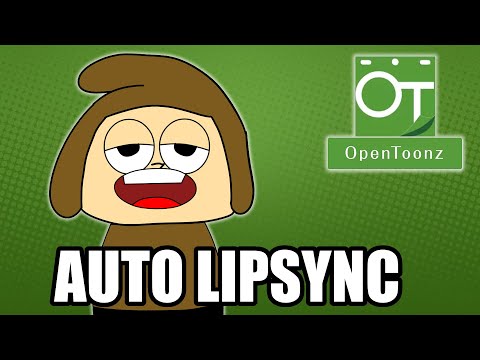
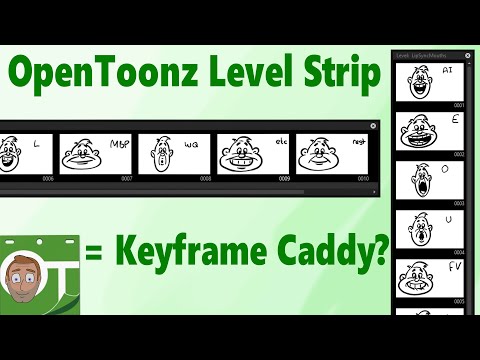
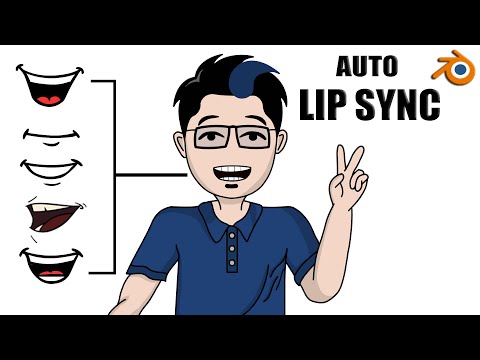
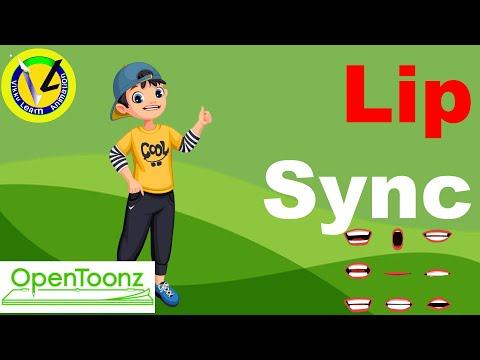
Let me show you how to setup and use the auto-lip sync feature in OpenToonz and Tahoma 2D. Contents: 00:00 Auto-lip sync with OpenToonz 00:44 Step 1. Download & setup Rhubarb program 02:08 Step 2. Create/import mouth shapes 04:23 Step 3: Apply lip sync 06:36 Applying manual fixes Simple Instructions: (OpenToonz only) Setup Rhubarb: - Go to - Download the latest release. - Extract all into somewhere safe on your drive, make note of the path where the rhubarb executable is. - In OpenToonz, go to File, Preferences... and select Auto Lip-Sync category. - Put the full path from step 2 into the Rhubarb Path box. - Close the Preferences window. Mouths: Draw your mouths in a single level, in OpenToonz. Or import your mouth shapes (or head images with the mouth shapes) to OpenToonz: - Name your importing files as an image sequence ( , , etc) - Drag one of them into your open scene in OpenToonz. - If they're named correctly, you'll see all of your mouth shape images in a single column, shown as 1 level. Apply lip sync - Import audio (drag/drop into OpenToonz) - Expose your mouth shapes on the timeline - Right click on the timeline and choose Lip Sync, Apply auto lip sync to column - In the popup dialog, choose your drawings (draw them in order for them to already be selected) Click Apply Useful links: Manually adjusting your lip sync: #OpenToonz #Animation #animationLipSync #lipSync -------------------------------------------------------------- Support me and gain extra benefits by becoming a Patron: Want to learn more about OpenToonz? Check out my Udemy course, with this discount link: If you liked what you see and want to help out, you treat me a coffee or a Darren Tea ;-) Check out useful OpenToonz-companion software & projects that you can download or purchase: The kit I use and recommendations of useful books: -------------------------------------------------------------- Discord; for help setting up and using OpenToonz, chat with animators & developers and enter animation challenges. And my other socials: Discord: Twitter: Insta: Facebook: Twitch: #OpenToonz #Tahoma2D #Animation #autolipsync
- 23265Просмотров
- 3 года назадОпубликованоDarren T
Setup and use auto lip sync in OpenToonz & Tahoma2D !
Похожее видео

Популярное
Новини