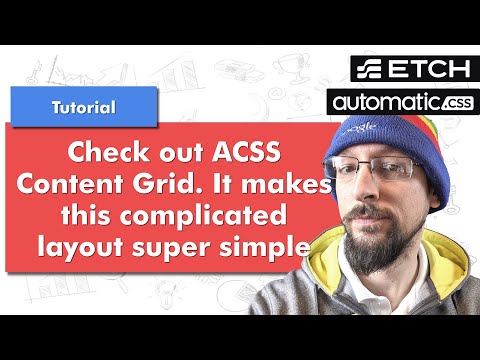
Automatic CSS Content Grid: Unlock 6 Zones in 5 Mins (Break Out of Containers Like a Pro!) Watch me read the docs live + build 6 layouts with one class. What you’ll see: Add content-grid to a section → instant zones grid-column: feature → slightly wider grid-column: full → edge-to-edge grid-column: full-safe → full + gutters Fancy: content-start / full → left-aligned breakout Nest grids + override widths No manual CSS. No extra divs. Just smart classes. Timestamps: 0:10 – Why I forgot Content Grid (challenge fail) 1:20 – Enable Content Grid on ALL sections (1 click) 2:40 – Default zone demo 3:50 – Feature + Feature Max 5:10 – Full + Full Safe (gutters!) 7:30 – Breakout magic: content-start / full 9:20 – Nesting grids + custom widths 11:00 – “This should be in EVERY builder” Pro Tip: Turn on “Top-level sections = Content Grid” → never add the class again. #AutomaticCSS #Etch #WebDev #CSS #ContentGrid #WordPress Looking for web development or branding services? Interested in Etch? Check it out: ?aff=43a07932 (affiliate link) Interested in Automatic CSS? Check it out: (affiliate link)
- 172Просмотров
- 2 недели назадОпубликованоWorlds Worst Web Developer
Watch the magic of content-grid in AutomaticCSS (ACSS)
Похожее видео










Популярное
Новини