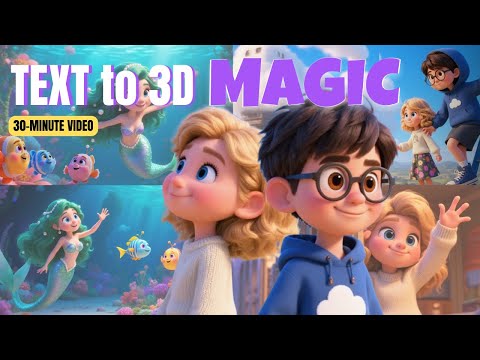
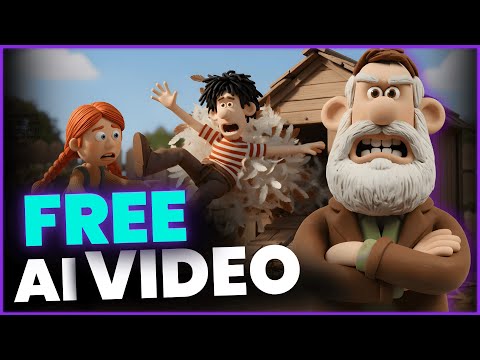
🪄 Magiclight AI (exclusive link to get 5% DISCOUNT): 👉 Link to get FREE prompt: Make 3D Animations 10x Faster with Magiclight AI (Full Tutorial) 🚀 In this video, we explore Magiclight AI, a groundbreaking tool that lets you create 3D animations faster than ever — no skills required. You’ll learn step-by-step how to generate realistic 3D scenes, animate characters, and export stunning visuals using AI-powered automation. Whether you’re a filmmaker, content creator, or just love animation, Magiclight AI will save you hours of work and unleash your creativity. Watch till the end for pro tips and AI tools to supercharge your workflow! 👉 Subscribe to my channel here: 🪄Timestamp: 00:02:30 Introduce the niche and Magiclight AI 00:04:23 Script Generation 00:06:03 Set Style and Storyboard: Choose the video ratio (e.g., YouTube, TikTok), language, and a visual style (like Disney or Pixar). Magic Light then automatically breaks the script into scenes. 00:07:09 Consistent Character Creation: Use the Built-in Character Library or create characters from scratch using text prompts. Magic Light ensures consistent character appearance across all scenes. 00:12:35 Image Editing and Animation: Images can be edited, regenerated for free by changing the text prompt, and fixed using the integrated Nano Banana image editor. 00:14:45 Add Voiceover and Lip Sync: Select a built-in voice-over, adjust the speed, and use the Lip Sync feature to perfectly match the animation's mouth movements to the dialogue. 00:16:52 Finalize and Generate: Set the cover image and title, add background music #AIAnimation #3DAnimation #MagiclightAI
- 6878Просмотров
- 2 месяца назадОпубликованоDo AI World
Make 3D Animations 10x Faster with Magiclight AI (Full Tutorial)
Похожее видео

Популярное
Новини