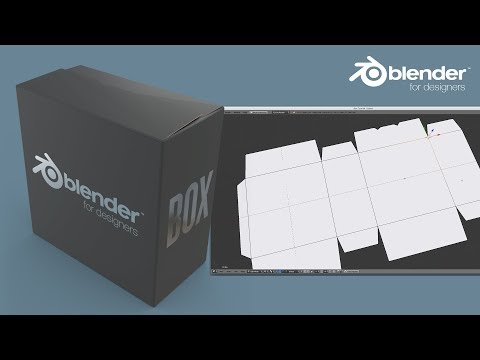
In this video, I’ll guide you through the entire process of turning a dieline into a realistic 3D packaging mockup using Blender — perfect for product visualizers, designers, and brand creators! Whether you're working with a cosmetic box, food packaging, or any custom design, you’ll learn how to take your flat dieline and bring it to life with precision and creativity. This tutorial is beginner-friendly but also includes pro tips to enhance your realism and efficiency. 🔧 Software Used: Blender (latest version) 📦 Who is this for? 3D product visualizers Packaging designers Freelancers building client-ready mockups Brand owners wanting high-end visuals for marketing 💡 Pro Tip: Make sure your dieline file is clean and layered correctly before importing. Label clarity = UV success! 🔥 Let’s Connect! 🎨 Instagram: 🧠 ArtStation: 💼 Fiverr (Hire Me): 📬 For business inquiries & collaborations: 📧 shahzad6119647@ 🔔 Don’t forget to like, comment, and subscribe for more Blender tutorials focused on packaging, cosmetics, and product visualization! #BlenderPackaging #3DMockup #DielineToMockup #PackagingDesign #ProductVisualization #Shanii3D
- 7580Просмотров
- 7 месяцев назадОпубликованоShanii
How to Make a Packaging Mockup from Your Dieline in Blender
Похожее видео




Популярное
Новини