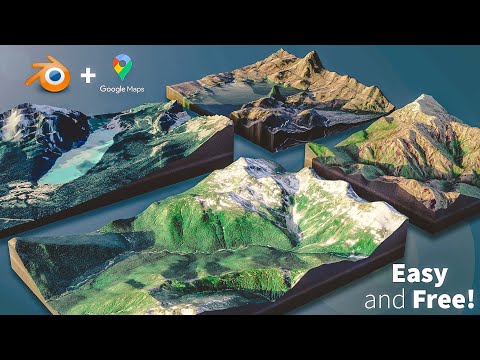
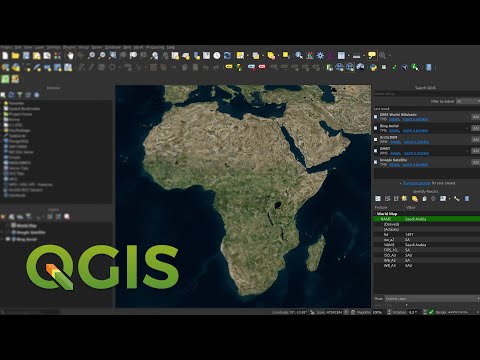
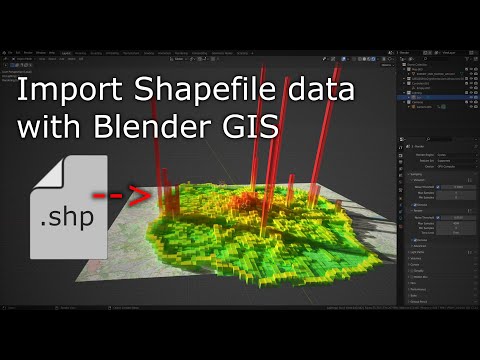
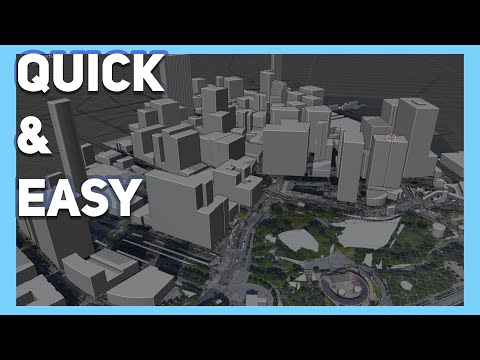
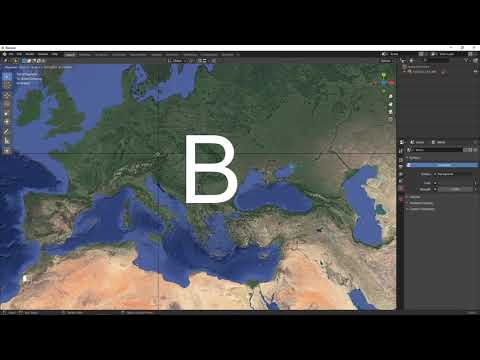
In this video we use QGIS and Blender GIS to import maps, heightmaps, and OSM data accurately into Blender. QGIS: ESRI map service (XYZ tiles): %7Bz%7D/%7By%7D/%7Bx%7D WKT Reference Text (enter your latitude and longitude): PROJCS["Orthographic", GEOGCS["GCS_WGS_1984", DATUM["WGS_1984", SPHEROID["WGS_1984",6378137, ]], PRIMEM["Greenwich",0], UNIT["Degree", ]], PROJECTION["Orthographic"], PARAMETER["latitude_of_origin", ], PARAMETER["central_meridian", ], PARAMETER["false_easting",0], PARAMETER["false_northing",0], UNIT["Meter",1]] Blender GIS: OpenTopography: Tape Measure Model: Earth Globe Model:
- 53498Просмотров
- 1 год назадОпубликованоNicko16
Create Accurate Maps with Blender GIS and QGIS
Похожее видео




Популярное
Новини