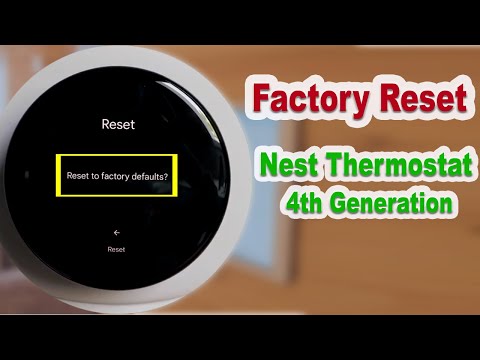
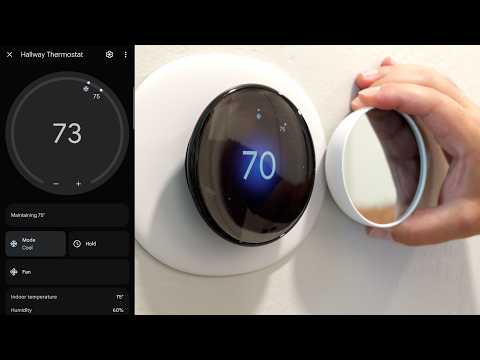
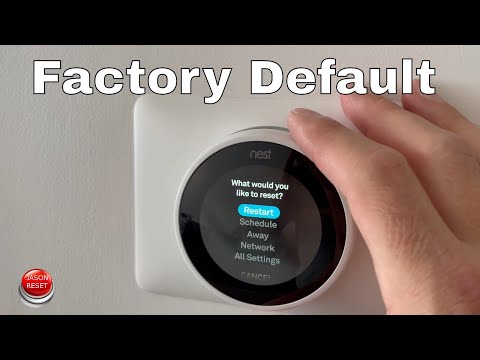
In this video we teach you how to factory reset your Google Nest Thermostat 4th Generation. Nest Thermostat 4th Generation: Nest Temperature Sensor: How To Factory Reset Google Nest Learning Thermostat 4th Gen 1. Make sure your device is powered up and wake up the display. 2. Click to scroll to the settings menu and make a selection. 3. Click on factory reset and make a selection. 4. Scroll to select "Factory Reset" and make a selection. 5. Scroll to confirm factory reseting and make a selection. *Links included may be affiliate links which help support this channel.
- 18793Просмотров
- 1 год назадОпубликованоOne Hour Smart Home
How To Factory Reset Google Nest Thermostat 4th Generation
Похожее видео

Популярное
Новини