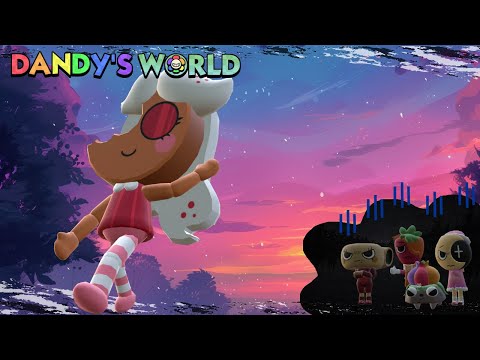
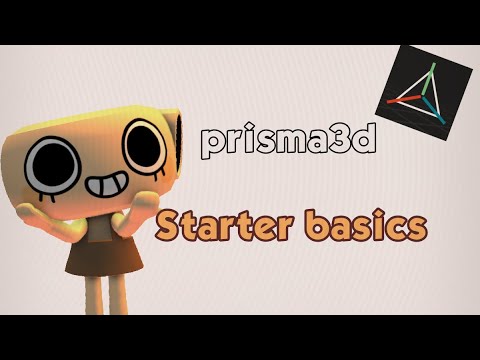
DISCLAIMER: I'm still learning lol Finally! I recorded most of the process of making one of my Dandy's World ocs in Blender! That's Jackaline the jackfruit heh A lot of people asked me for a tutorial... this is not really a tutorial? but I tried to make things clear for those who were curious and/or are unfamiliar with Blender 😅 I usually use the base I made for the limbs, but I started from scratch here so everyone could see Hope it helps! Blender is free, has a lot of shortcuts and I get so used to them that I sometimes forget I'm using one lol, so feel free to ask if I missed anything (like C for that round selector tool) Also... you may want to make a proper turnaround reference before making a model? I don't mind going freestyle for my own characters lol I'll soon edit part 2 with the rig and possibly animation, but I don't know if the way I do it works for Roblox Studio so yeah... just for fun You can export the model from Blender to Roblox Studio as .fbx, changing the Path Mode preset to "Copy" and activating the box right next to it, so the texture comes along (my Roblox Studio only takes one texture at a time... that's why I put it all in one image per character) no sound cuz meh... I'm tired of them always falling into copyright stuff #dandysworld #dandysworldoc #dandysworldroblox
- 34422Просмотров
- 10 месяцев назадОпубликованоkklps113
Dandys World OC made in Blender - Jackaline - part 01
Похожее видео

Популярное
Новини