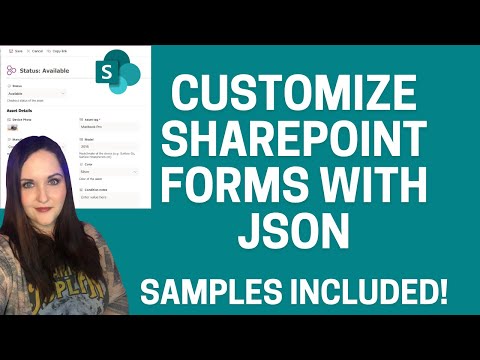
#SharePoint #ListFormatting #FormFormatting #ListForms In this video on SharePoint List JSON Form Formatting with JSON & Validations, we will walk through an end-to-end solution of customizing the Asset Manager Microsoft Lists /SharePoint lists template with the new form formatting JSON options, applying clickable actions in the Header JSON, adding conditional validations and adding the List Form to a Modern SharePoint Communication Site Page. This newly released feature of form formatting uses the same logic as SharePoint List Formatting (column and view formatting). Hence, we can now customize the look and feel of our SharePoint columns, SharePoint views and SharePoint Forms using JSON and apply conditional formatting. ✅ Customize SharePoint List Forms Playlist video series - ✅ Download Formatting Samples for Asset Manager Microsoft List: ✅ Documentation: ✅ PnP Samples: ⭐ ⭐ ⭐ Shoutout to - My JSON formatting samples are inspired from his work. Follow him on twitter and subscribe to his blog - Table of Contents: 00:00 - Intro 00:50 - Create Asset Manager list from Microsoft Lists Template 02:07 - Apply Body JSON form formatting option for Asset Manager SharePoint List 03:03 - Move columns to different sections in Body JSON 03:22 - Reorder columns in SharePoint list form 05:43 - Customize Body JSON form formatting 08:32 - Understanding the JSON body structure 15:42 - SharePoint list Validation multiple conditions 18:50 - Add List and List Properties Web Parts to Modern SharePoint Page 21:14 - Subscribe
- 45829Просмотров
- 4 года назадОпубликованоReza Dorrani
SharePoint List JSON Form Formatting & Validations (3)
Похожее видео





Популярное
Новини