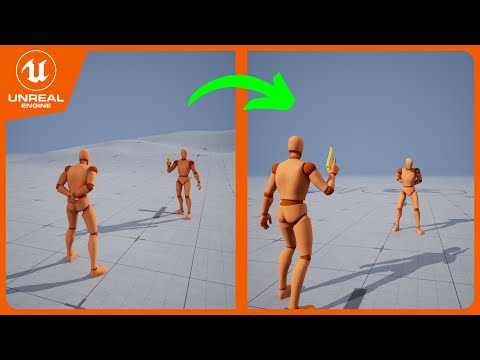
Step-by-step tutorial for setting up a custom vault animation for the Game Animation Sample Project (GASP) traversal from animation import through demonstration. Let me know in the comments what you'd like to see next! Threepeat discord: 00:00 Series intro 00:30 Super Classy Tutorial Intro 00:36 Part 1 intro 01:08 Importing the animation 02:20 Retargeting the animation to UEFN Mannequin 03:05 Attach bone discussion and animation issues 04:38 Mocap Tools for the win! 04:42 Fixing the animation alignment and root bone rotation 06:27 Animating the attach bone (The real work) 09:40 Setting up the animation sequence Notify States (Block transition) 10:12 Setting up the Animation Montage (The real work part 2) 13:41 Adding our animation to the Traversal Chooser Table 16:09 Disabling Rotation Warping for this specific type of traversal 17:12 Results demo and discussion 17:43 Disabling Leg IK if your legs get weird Mocap Tools by Muu Knighted Games: #unrealengine #tutorial #gasp #gameanimationsample #motionmatching #traversal #parkour #animation #sequencer
- 11666Просмотров
- 1 год назадОпубликованоThreepeat Games
Unreal 5.4+ Tutorial - Setup Custom Traversal Animations for Game Animation Sample (GASP)
Похожее видео

Популярное
Новини