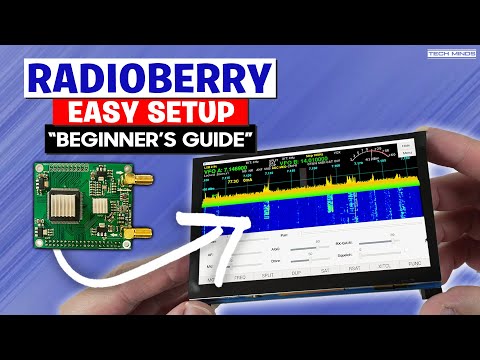
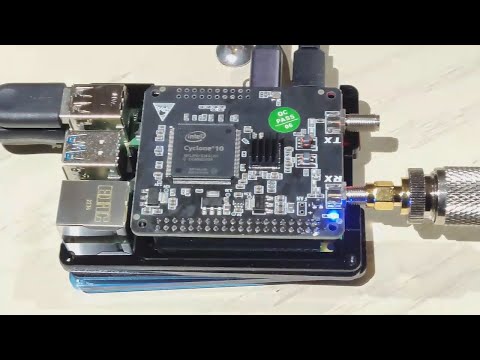
Welcome back to Temporarily Offline, I’m Steve (KM9G), and today we’re diving headfirst into some serious Raspberry Pi ham radio experimentation! 🔧 We're playing with the Radioberry SDR Hat, paired with a Raspberry Pi 4 and powered by SparkSDR. This open-source setup is based on the Hermes-Lite architecture, using HPSDR protocols to create a fully functional software-defined transmitter that fits in your hand. 💡 Whether you're new to SDR or you're a hardcore RF tinkerer, this is the kind of project that proves ham radio is still alive and evolving. Let's explore the possibilities together. 👉 Aursinc Radioberry: 👉 Radioberry Pre-Amp Board: 👉 Raspberry Pi: 👉 SD Card: Tools Used: 👉 Pinecil: 👉 Kester Solder: 👉 Wire Stripper: 👉 PowerPole-LeverNut Connector: 👉 Nissei Power Meter: Antenna System: 👉 Chameleon 17' Whip: 👉 Chameleon Blank: 👉 Cha Spike Mount: 👉 Coax: Radioberry Install Notes: 👉 Radioberry Github Repo: 👉 Radioberry PAv2 Board: 👉 Raspberry Pi Imager: 👉 SparkSDR (mac/linux/windows): Install PiOS via Raspberry Pi Imager, 64bit Lite - No Desktop 👉 cd /tmp 👉 wget 👉 chmod 755 👉 ./ (Pick CL025) 👉 sudo reboot Click the 👍 Like Button, 🤡 Leave a Comment, ❤️ Subscribe 👉 Support The Channel 👈 ❤️ Patreon: 📺 Youtube Memberships: 💸 Tip Jar: 🛒 Amazon Link: 📻 Use Code TO15 for $15 off at Radioddity: 🖍️ How I make my Thumbnails: ⚡ Meter I use in my videos: 👉 Fun Stuff 👈 🫵 We want YOU on TOADs Discord: 🕊️ Twitter: 😸 Github: Where possible, all links are affiliate links, this youtube thing is an expensive endeavor and every little bit helps.
- 107349Просмотров
- 5 месяцев назадОпубликованоTemporarily Offline
This Raspberry Pi Ham Radio Transmitter BLEW MY MIND! | Radioberry + SparkSDR
Похожее видео







Популярное
Новини