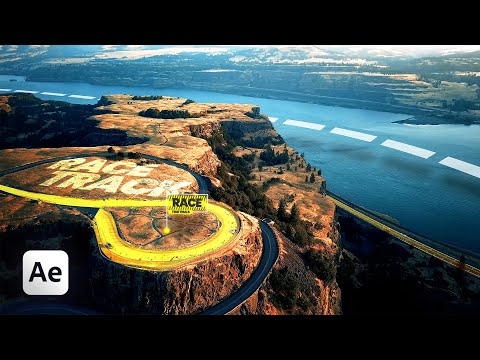
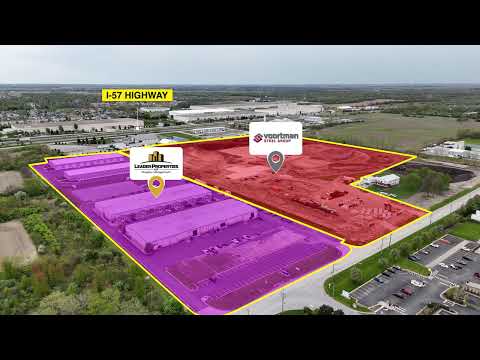
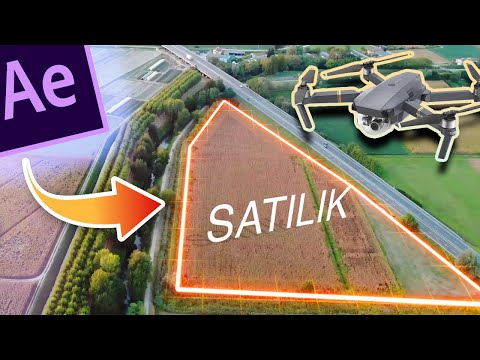
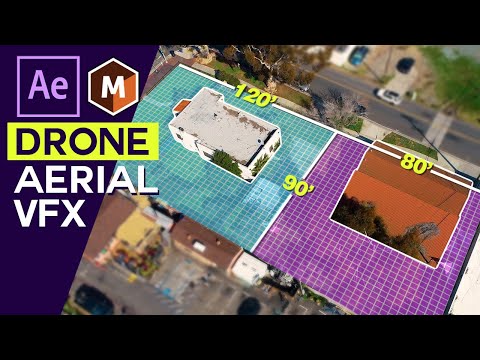
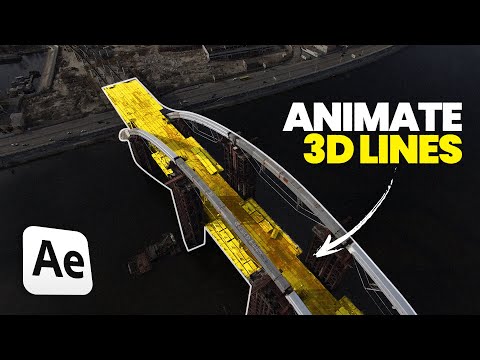
Want to create clean, realistic OUTLINE GUIDE animations in After Effects that follow your footage perfectly? In this video, I’ll walk you step by step through the process of tracking and animating an outline guide using Adobe After Effects + Mocha AE — fast, accurate, and professional! 🎯 What you'll learn: ✅ How to animate a glowing guide using Trim Path ✅ How to use Mocha AE for powerful planar tracking ✅ How to attach text or graphics to your track ✅ And how to make it all look stunning and cinematic! Whether you’re into motion design, VFX, or just want to level up your After Effects skills — this tutorial is for you. 🧠 Simple tricks = Professional results. Follow along and make your edits stand out! 💡 Tools used: Adobe After Effects Mocha AE (included with AE) Pen Tool + Trim Path 3D Layer & Track Data Export 👊 If this helped you, smash that Like button, Subscribe, and drop a comment if you want more epic tutorials like this. This is how to do soomth Text Animation in after effects : This is how to crop video in premier pro : This is how To import presets to premier pro : after effects tracking tutorial, outline animation after effects, mocha ae tutorial, track data export ae, guide line vfx, motion tracking after effects, trim path animation, advanced ae tutorial, cinematic guide effect, after effects vfx tutorial #AfterEffects #MochaAE #TrackingTutorial #OutlineGuide #MotionGraphics #AEVFX #AfterEffectsTips #VisualEffects #VFXGuide #AfterEffectsTutorial #TrimPath #CinematicEditing #VFX2025 #LearnAE #MotionDesign
- 29106Просмотров
- 7 месяцев назадОпубликованоCipherWolf
How to Add Pro Guide Lines to Drone Footage in After Effects with Tracking!
Похожее видео
Популярное
Новини