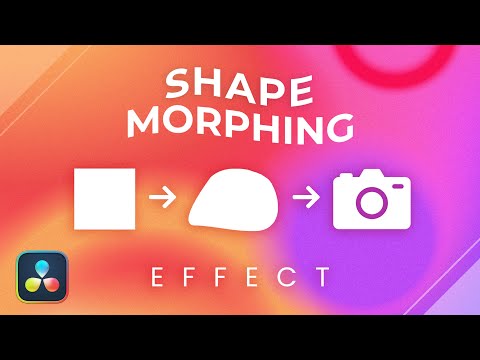
Check out this tutorial for simple shape morphing animation where one object transforms/morphs into another object. Perfect for icon animations. We will use Affinity Designer to create the clipart and use it Davinci Resolve. With the help of Fusion, we can create pretty amazing effects. During the video we will encounter some common pitfalls and how to resolve them. At the end we will also use an expression to make a hear beat and here is the formula used: iif( time % 15 == 0 or time LT 40 ,1 , 1+(time % 15)* ) replace LT with less then symbol as Youtube does not allow this symbol in the comments. Thank you again for watching and don't forget to hit the like and subscribe buttons.
- 4280Просмотров
- 2 года назадОпубликованоGraphicalFinity 1.7M
TRUE Shape MORPHING effect in DaVinci Resolve with SVGs from Affinity Designer
Похожее видео





Популярное
Новини