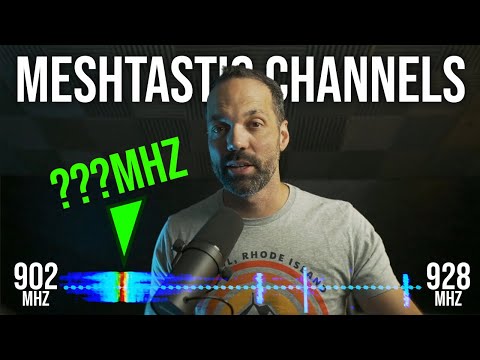
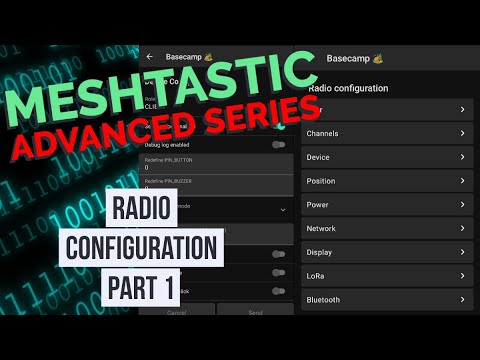
Learn how to create private encrypted channels that hop off of other people's nodes in the mesh. Understand what actually makes up the mesh. How to move the public channel to a secondary channel position correctly. By the end of this tutorial video, you'll have a private channel in the primary slot, the public channel in a secondary slot, and you'll know how and why you need to override the Frequency Slot setting to control your operating frequency. Remember, when you order one or more radios from Atlavox, we install and configure all your modules, and we set up the channels for you automatically, so you don't need to worry about anything in this video. They will be fully configured right out of the box. Go to to explore our radios. 00:00 Introduction 00:14 Understanding Meshtastic Channels 01:31 Configuring Custom Channels 03:01 Understanding Frequency Slots and LoRa Settings 06:58 Adding Public Channel 08:37 Sharing Channels Across Devices 12:47 Using the Web Client for Configuration 15:16 Advanced Configuration with Meshtastic API 16:32 Conclusion #meshtastic
- 10683Просмотров
- 1 месяц назадОпубликованоAtlavox
How to Set Up Private Meshtastic Channels (The Right Way)
Похожее видео



Популярное
Новини