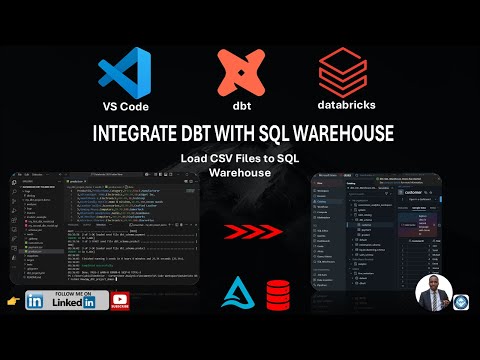
In this tutorial, learn how to build a medallion lakehouse architecture using dbt on Databricks from start to finish. Follow along as we set up a clean, scalable analytics engineering environment with step-by-step commands including: Create a new project directory: mkdir dbt_databricks_demo Navigate to the directory: cd dbt_databricks_demo Create and activate a Python virtual environment: python -m venv .venv .\.venv\Scripts\ Upgrade pip: pip install --upgrade pip Check Python and Git versions: python --version git --version Install dbt core and Databricks adapter: pip install dbt-core dbt-databricks Verify dbt installation: dbt --version Configure Databricks authentication Create a serverless warehouse with optimized settings: text databricks warehouses create ` --name "serverless-warehouse" ` --enable-serverless-compute ` --enable-photon ` --warehouse-type PRO ` --cluster-size "Small" ` --min-num-clusters 1 ` --max-num-clusters 1 ` --auto-stop-mins 30 Initialize the dbt project: dbt init Navigate to the project folder: cd dbt_databricks_project Debug the project setup: dbt debug Run your transformations: dbt run Test data quality: dbt test Generate and serve documentation for your project: dbt docs generate dbt docs serve This video is perfect for analytics engineers and data teams looking to leverage dbt and Databricks to build reliable, maintainable data pipelines in a lakehouse environment. Subscribe for more tutorials and real-world data engineering workflows.
- 519Просмотров
- 3 месяца назадОпубликованоLEsteveTech
Getting Started with dbt for Databricks Medallion Lakehouse
Похожее видео










Популярное
Новини