In this video, I discuss if a router can be used without an internet connection. I also explain what you can do with a router that has no internet connection. Check out some of my previous videos that are related to this one: How to Factory Reset Your Router: How to Access Your Router's Settings (With a Secret Tip): For more content on similar topics, check out my YouTube channel: If you would like to read about other ways to improve your home network, check out my blog: 0:44 Can you use a router without an internet connection? 1:53 What you can do with a router without an internet connection 4:18 Setting up multiple routers in your home 8:46 What a router can’t do without an internet connection This post contains affiliate links. This means I may earn a commission should you choose to sign up for a program or make a purchase using my link. Equipment I used in this video: Router: TP-Link Archer AX10 ( ) 🎥: 🎙️: Can you use a router without an internet connection? If your router doesn’t have a connection to the internet, you’ll still be able to use it. The catch is that it’ll only have half of its functionality. As a reminder, your router’s main jobs are to: •Allow all the internet devices in your home network to share one connection to the internet (that your modem establishes with your internet service provider) •Allow your devices to communicate with each other If you strip away the internet connection from your router, it’ll still allow your devices to communicate with each other, they just won’t be able to access the internet. So what can you do with this limited functionality? A few things you can do are as follows: •Share files and media with the devices on your home network with a network attached storage device or USB thumb drive •Set up a networked printer that the devices on your home network can access •Set up a local security system with security cameras (the caveat is that you won’t be able to view the cameras outside of your home network) •Configure smart devices like smart switches (similar to the local security system, you won’t be able to activate/deactivate the switch outside of your home network without an internet connection) •Host a LAN gaming party with multiple systems connected to each other via your router Conclusion If you have any questions about how to use a router without an internet connection, please leave a comment below.
- 81645Просмотров
- 3 месяца назадОпубликованоNetWork From Home
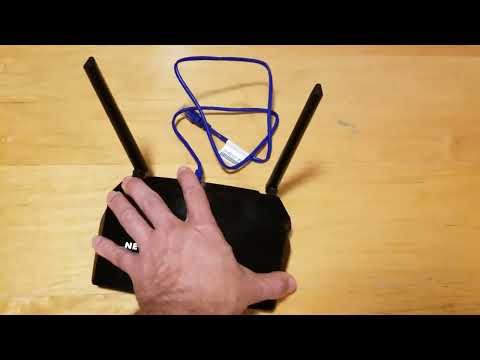
Using a Router WITHOUT the Internet: What You Can Do
Похожее видео






Популярное
Новини