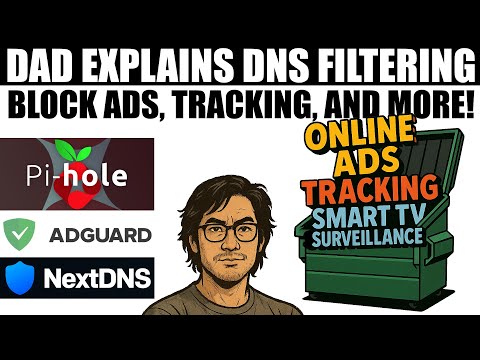
You can try monday-com for free here: Block annoying ads and trackers across ALL your devices with Pi-hole! In this video, I'll show you how to deploy Pi-hole on Docker with optional Traefik integration. This free, open-source DNS-level ad blocker works on computers, phones, smart TVs - everything on your network - without installing any client software. References - Pi-Hole Website: - Pi-Hole GitHub: #running-pi-hole-docker - Boilerplates: - Docker Tutorial: - Traefik Tutorial: - Docker Swarm Tutorial: ________________ 💜 Support me and become a Fan! → → 💬 Join our Community! → 👉 Follow me everywhere → ________________ Read my Tech Documentation My Gear and Equipment ________________ Timestamps: 00:00 Introduction 02:32 How Pi-Hole works 06:28 Install Pi-Hole on Docker 13:51 Advanced Deployment (+Traefik, +Swarm) 18:14 Configure Pi-Hole as primary DNS 21:47 DNS Settings and more… 26:12 Final thoughts ________________ Links can include affiliate links.
- 30162Просмотров
- 1 месяц назадОпубликованоChristian Lempa
Block stupid Ads and manage DNS // Pi-hole Tutorial
Похожее видео










Популярное
Новини