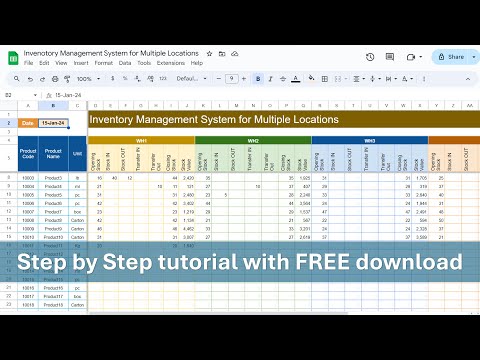
Hello Friends, In this video, we have explained how to create an Inventory Management System in Google sheet. Below are the features of this template: Product Search: You can search any product using Product ID and you can see the Available Stocks, Location within Store, Re-order level and Re-order required or not. Inventory Summary: In this sheet tab, we have displayed the summary of all products as on today. Here we are showing, Opening Balance, In, Out, Closing Balance, Re-order level and Re-order Required or not. Input Sheet: In this worksheet, User needs to enter the transaction data for In and out Qty for the product. Product Master: In this worksheet, user needs to maintain the product details including the location of the product within store and re-order level. Below is the google sheet link for Inventory Management System: Project Plan (Gantt Chart) in Google Sheet | Step by Step tutorial Create Attendance Template in Google Sheet | Complete Process Best Google Sheet To-Do List You've NEVER Seen! Step by Step tutorial How to create dynamic Calendar in Google Sheet Conditional formatting in Google Sheet Chart | Step by Step tutorial
- 151819Просмотров
- 2 года назадОпубликованоNeotech Navigators
Create Inventory Management System in Google Sheet | Complete Process
Похожее видео


Популярное
Новини