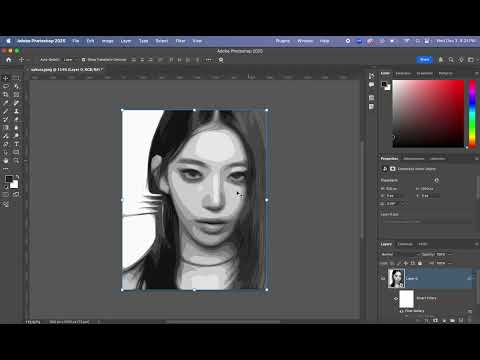
How to make a Torn Clothes in Clo3d In this video , I will show you how to create a Torn Clothes in Clo3d(Photoshop Method). ⭐Steps to create a torn pattern in Photoshop : 1) Import the pattern 2) Create a new layer and fill it with a new color. 3) Hold the Control key and select the pattern layer 4) Click on the mask 5) Add a torn pattern 6) Control + click on the picture layer, then click on the mask 7) Select the white color and brush → with white we add the parts we want to the dress. (White reveals the color in that section.) 8) Select the black color and brush → with black we remove parts of the clothing. (Black hides the color in that section.) ⚠️ To remove color from the clothing: First, hold down CTRL+SHIFT+I to invert the selection. Then use a black brush to remove the unwanted parts. Don't forget to subscribe and hit the notification bell to stay updated with my latest videos! #clo3d #clo3dtutorial #clo3ddesigner #outfit #outfitideas #outfitss #baharakfatehi #sims4 #fashion #dress #clothes #torn
- 151Просмотров
- 3 месяца назадОпубликованоBaharak fatehi Designs
Torn Clothes in Clo3d (Photoshop Method)
Похожее видео







Популярное
Новини