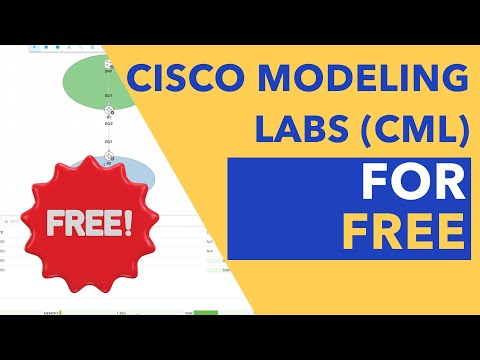
In this video, I will show you how to install the Cisco CML Free Tier step-by-step. Below are the steps I followed in the video. How to install Cisco CML Free Tier on VMware Workstation/Player 1. Download the OVA and iso files: %20Free%20Tier?catid=268439477&ref= 2. Import the OVA file into VMware workstation/player. 3. Once imported, you must configure the VM’s settings. See examples below. Minimum Req: Memory: 8 GB Processors: 4 and tick the box for 'Virtualize Intel VT-x/EPT'. Hard Disk: 32 GB CD/DVD (IDE): Device Status: Connect at power on Connection: Use ISO image file: Browse the refplat ISO file. Network Adapter: NAT Display: 1 Monitor 4. Initial Setup: Follow the steps described in the video or the steps here: 5. Once the installation is complete, open your browser and navigate to the IP address you assigned to the VM. For example: #cisco #ccna #free
- 7708Просмотров
- 11 месяцев назадОпубликованоFerds Tech Channel
How to Install the Cisco CML FREE Tier (Step-by-Step)
Похожее видео





Популярное
Новини