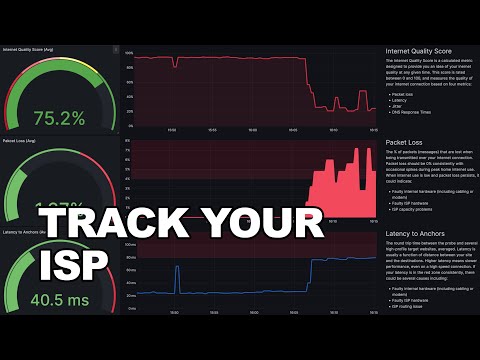
In this quick tutorial, I show you how to install and use the free open-sourced tool Netprobe to monitor the quality of your ISP connection over time. Total install time is about 5 minutes. For a full tutorial see the link below. To get started with Netprobe: 1. Download the repo here: 2. Install docker: 3. From the command prompt / linux shell within the code folder, type 'docker compose up' 4. Navigate to http://localhost:3001 Useful links: Netprobe Full Tutorial - Speed Overkill: How ISPs Sell You Bandwidth Instead of Performance (+ Bonus Free ISP Monitor Tool) - Support the channel: Discord:
- 4327Просмотров
- 1 год назадОпубликованоPlaintext Packets
Free ISP Tracking in 5 Minutes - Netprobe Quick Tutorial
Похожее видео











Популярное
Новини