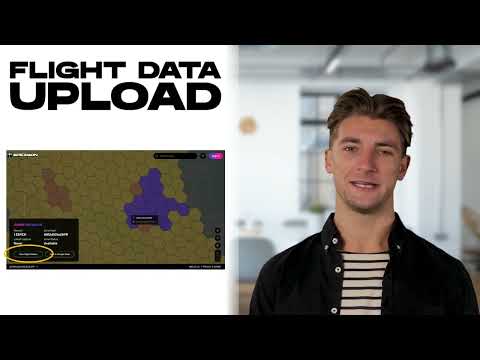
Welcome to Spexi — the first of it's kind “Fly to Earn” platform for drone pilots! In this quick walkthrough, we’ll show you how to get started as a Spexi pilot, from downloading the app to reserving your first Spexigon and uploading your data. Whether you're brand new to Spexi or just need a refresher, this guide has you covered. Timestamps: 00:00 Intro 00:25 Supported drones 00:42 Supported controllers 00:57 Device requirements 01:25 Download the Spexi app 02:03 Certification 03:05 Using the mobile app 03:53 RTH & taking manual control 04:16 Reservation system & RP's 05:29 Spexigon legend & colors 06:23 Preflight safety 08:37 Take-off 09:49 The Spexi app HUD 10:12 In-flight airspace safety 11:08 Taking back manual control in-flight 13:10 Post-flight workflow 15:23 Claiming rewards 16:47 Pilot support & discord 17:29 Weather & flight conditions 18:58 Uploading your data Ready to take flight? Here are your next steps: 📱Download the Spexi app for DJI Mini 2 → 📱Download the Spexi app for DJI Mini 3/Mini 3 Pro/Mini 4 Pro → 🗺️ Upload Data to the Spexi Web Explorer → 📚 Read the Pilot Documentation → 💬 Join the Spexi Discord → 💸 Earn With the Referral Program → 🌐 Spexi Website → 📩 Need help? Reach out to our support team at support@ — we’re here to help you fly with confidence! 👍 Don’t forget to like, subscribe, and hit the bell so you never miss a mission update. Fly safe and see you in the skies!
- 3273Просмотров
- 6 месяцев назадОпубликованоSpexi
Spexi Pilot Walkthrough | How to Get Started Earning with Your Drone
Похожее видео











Популярное
Новини